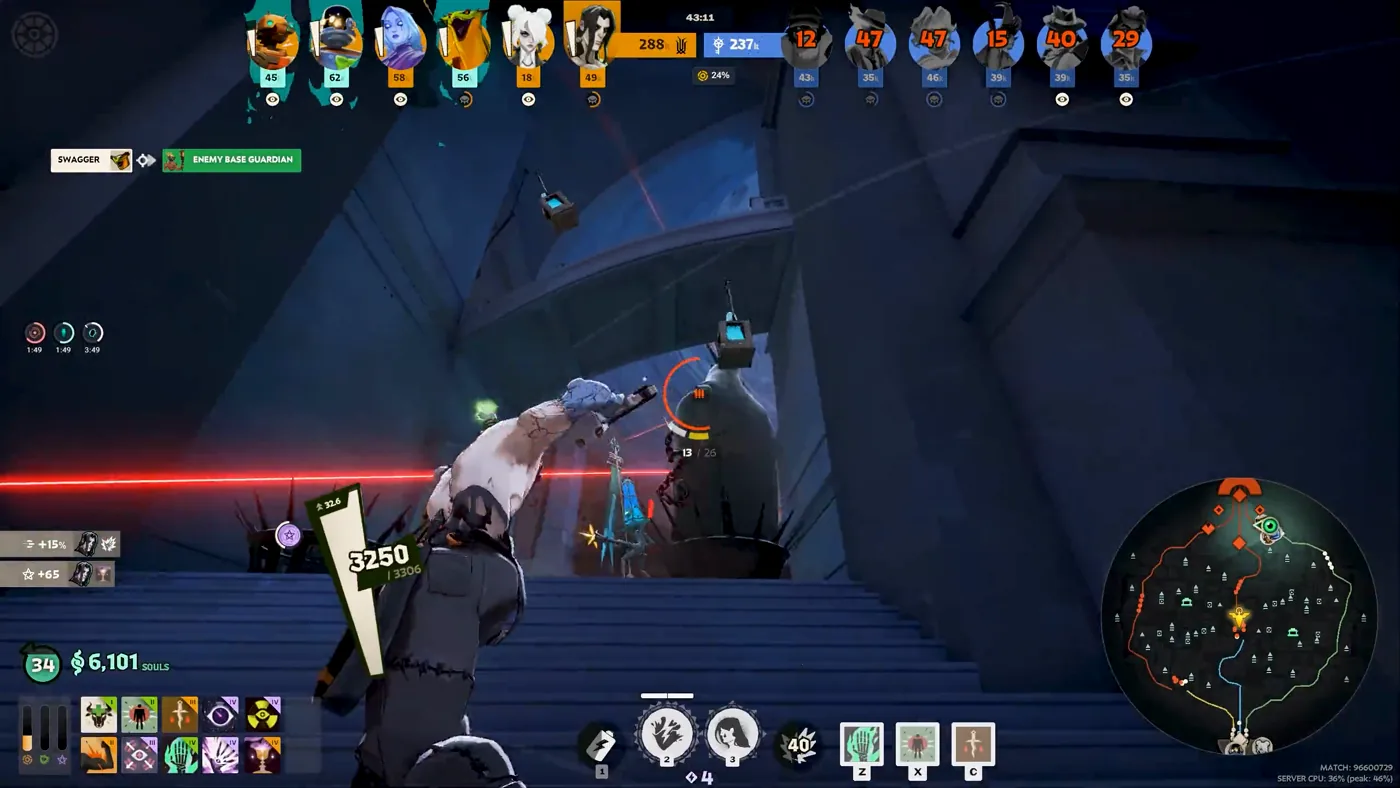
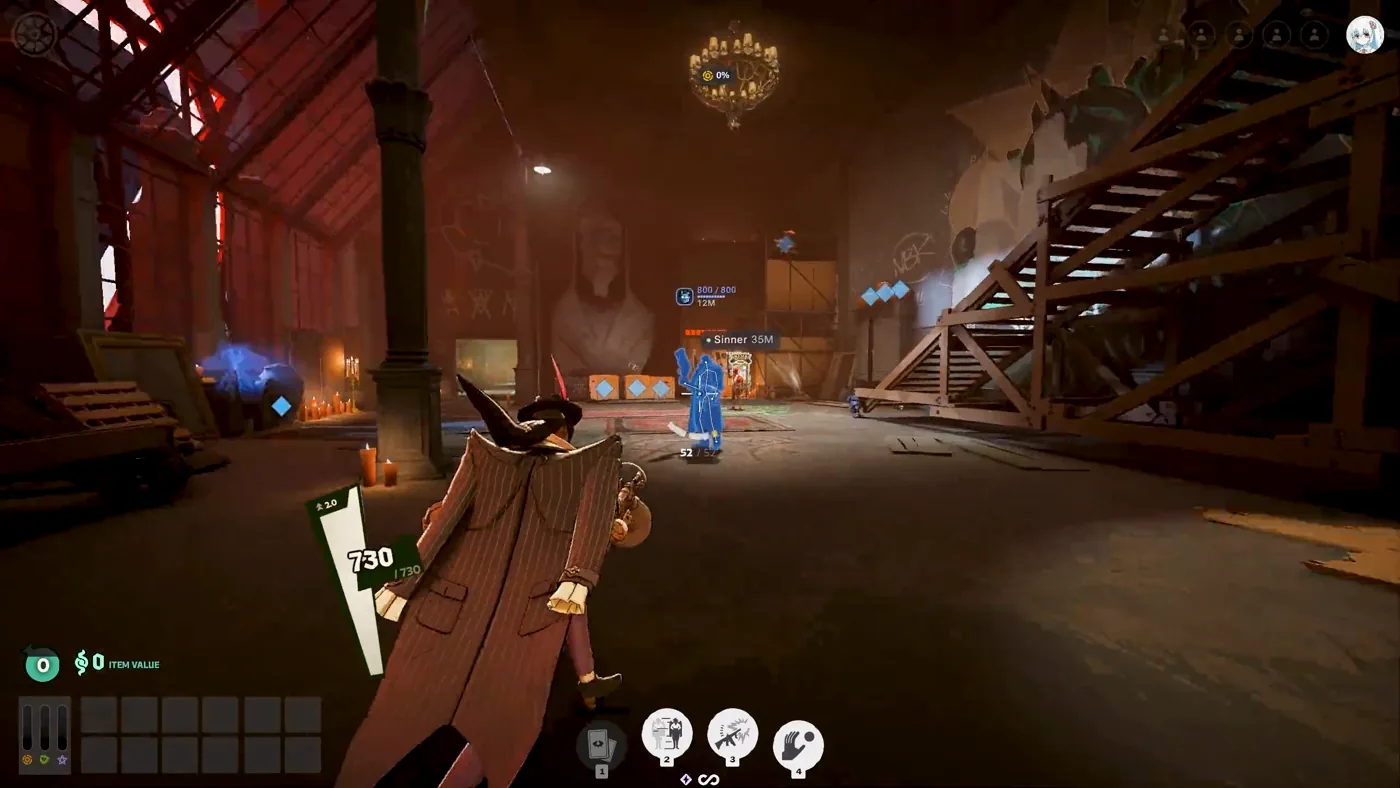
A wallhack shows you players through walls, ESP adds information on top (health, distance, off-screen markers), and a map hack is the wider layer for the map itself: objectives, timers, souls and power-ups. In Melonity's Deadlock menu those jobs live on the ESP tab and in the Visuals the seller describes on its page.
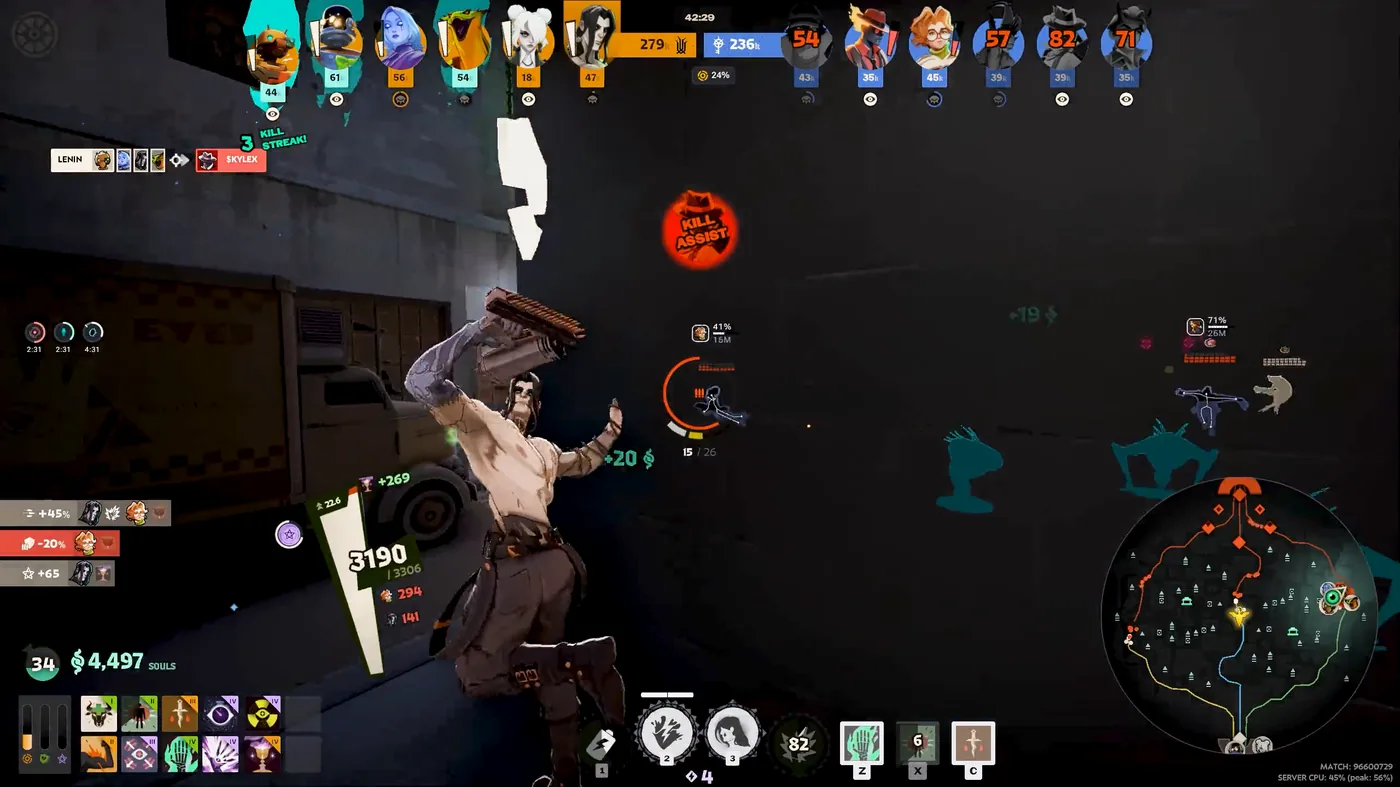
We checked the Melonity Deadlock page and the public changelog on 17 Nov 2026. This is not a lab test, and we are not quoting player reviews. The breakdown follows what the seller publishes, plus the pages that actually appear in the ESP menu.
Quick answer
If you only remember three lines, remember these.
- A wallhack in Deadlock is the through-wall view of player models or outlines.
- ESP is the information on top of that view: health, distance, off-screen markers.
- A map hack is the map-level layer: objectives, timers, souls, power-ups and other events. Melonity's page describes this as "Take control of the entire map."
Those three jobs often sit in one menu. They are still not the same thing.
Map hack, wallhack, ESP, radar — what is what
People use these words as if they were synonyms. They are not, and the menu makes more sense once you split them.
A wallhack is the geometry-through view: you still see a model, a glow, a skeleton or a box when a player is behind a wall or a crate. That is the "where is the body" job.
ESP is the extra information drawn on the screen: a health bar, a distance tag, a marker when someone is off-screen. You can have a through-wall model with almost no text, or a full tag overlay with a thinner model highlight. In most Deadlock products, including Melonity, those controls live in the same tab. That does not make the jobs identical.
A deadlock map hack is the wider layer. It is not just "boxes around heroes." It is knowing what the map is doing: camps, breakable props, a soul urn, a mid boss, troopers and neutrals, unsecured souls. Melonity's own page, checked 17 Nov 2026, puts it this way: "Take control of the entire map — ESP is not the end of it. Visual scripts let you stay aware of every event happening on the map." The same page says Visuals highlight allies and enemies, souls, map activities and power-ups, and let you adjust FOV.
Radar is a fourth word. In this niche it usually means a top-down view of positions. Radar is not listed on Melonity's Deadlock page or in its public changelog (checked 17 Nov 2026) — what is listed is below. The ESP tab does include a Minimap page. The seller does not describe what that page does, so we will not describe it either, and we will not call it a radar.
What the Melonity ESP tab covers, page by page
This is the part you cannot get from a one-line product blurb: the ESP tab is a set of pages, and each page is a different job.
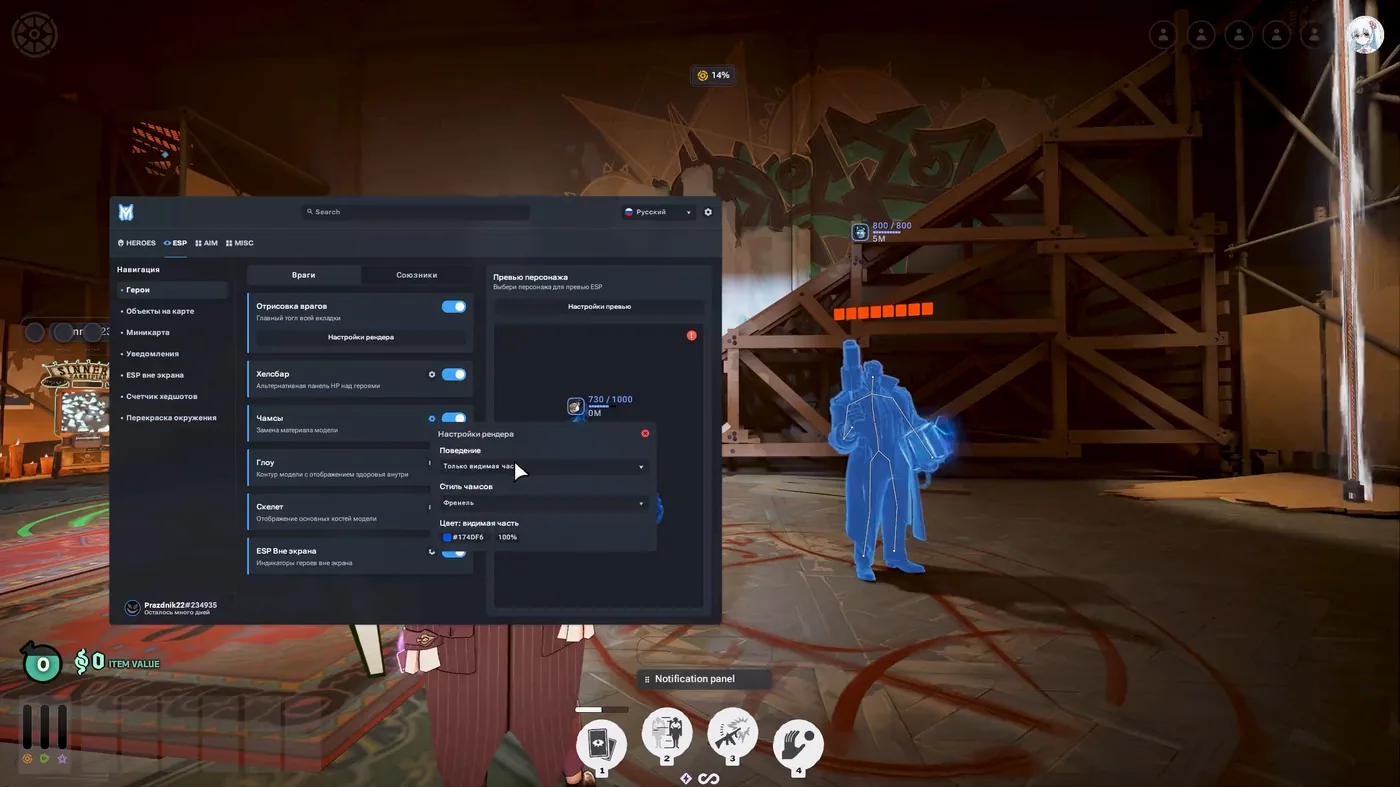
The official English menu mockup, and the in-match ESP tab in the promo video, both show the same structure. The top-level tabs are HEROES, ESP, AIM and MISC. Under ESP, the navigation list is:
- Heroes
- Map objectives (the in-match menu labels this "map objects")
- Minimap
- Notifications
- Out of screen
- Headshot Tracker (the in-match menu labels this "headshot counter")
- World recolor
On the Heroes page the visible toggles are Enemy render, Health bar, Chams, Glow, Skeleton and Out of screen ESP. The in-match frame also opens a render-settings popup for chams behaviour, style and colour, with a blue highlight on an enemy in the world.
For a wider walkthrough of the modules Melonity lists on its Deadlock page, see our Melonity Deadlock review.
How those pages map onto the jobs, using the seller page, the menu, and dated changelog entries (checked 17 Nov 2026):
- See enemies through walls, as a model, glow, skeleton or box → ESP / Heroes (Enemy render, Chams, Glow, Skeleton). Boxes are documented in update #2 (7 Aug 2026). Glass chams arrive in update #7. Later chams with glow and animations, plus separate colours for invisible targets, arrive in update #8.
- Read an enemy's health at a glance → ESP / Heroes (Health bar). The menu describes this as an alternate HP panel above heroes.
- Know someone is off-screen → ESP / Out of screen, and the Out of screen ESP toggle on Heroes.
- Track the mid boss, including health and who is hitting it → Notifications → Mid Boss Alert in update #9 (10 Oct 2026).
- Know where the soul urn is → Map objectives → soul urn indicator in update #8 (5 Oct 2026).
- See troopers, neutrals and map structures → NPC glow in updates #13 and #14, with Ally / Enemy / Neutrals split and Guardian / Walker / Shrine info in update #14.
- Watch unsecured souls in the top bar → update #14.
- See camp respawn and Sinner's Sacrifice timers in the world, not only on the minimap → update #1 (4 Aug 2026).
- Highlight breakable props → updates #1, #8 and #10.
- Recolour the world or the fog → World recolor → update #8.
- The Minimap page and the Headshot Tracker page are in the ESP list. Melonity's page and changelog do not describe what those two pages do, so we stop at the fact that they exist.
Player visuals: chams, glow, skeleton, boxes, health bars
If the question is "what does a wallhack look like in this menu," the answer is the Heroes page — not a separate secret tab.
In plain terms, from the menu labels themselves:
- Health bar — an alternate HP panel above heroes.
- Chams — a replacement for the model's material. The render popup in the promo frame lets you pick behaviour, style and colour.
- Glow — an outline on the model.
- Skeleton — the main bones of the model.
- Out of screen ESP — markers for heroes who are not on your screen.
- Boxes — a dated option in changelog update #2, with settings for rounding, fill, thickness and colours.
None of this is a recommendation about how to hide a setup. It is just the vocabulary of the menu, plus the dates Melonity published for each change. If you want the through-wall view without a lot of text, you are mostly in chams, glow, skeleton and boxes. If you want the numbers as well, you add the health bar and the distance tags you see in the match frames.
Map awareness: objects, timers, events
This is the deadlock map hack layer, and it is the part Melonity talks about when it says ESP is not the end of it.
According to the Melonity website, Visuals highlight allies and enemies, souls, map activities and power-ups. The public changelog then adds dated map tools on top of that line:
- camp and Sinner's Sacrifice timers "in the world, not just on the minimap" (update #1)
- breakable props (updates #1, #8 and #10)
- a soul urn indicator (update #8)
- Mid Boss Alert, with health and a list of attackers (update #9)
- status-effect indicators (update #9)
- NPC glow for troopers and neutrals (update #13), then a split for Ally / Enemy / Neutrals plus Guardian, Walker and Shrine info (update #14)
- unsecured souls in the top bar (update #14)
- a spectator list (updates #3 and #7)
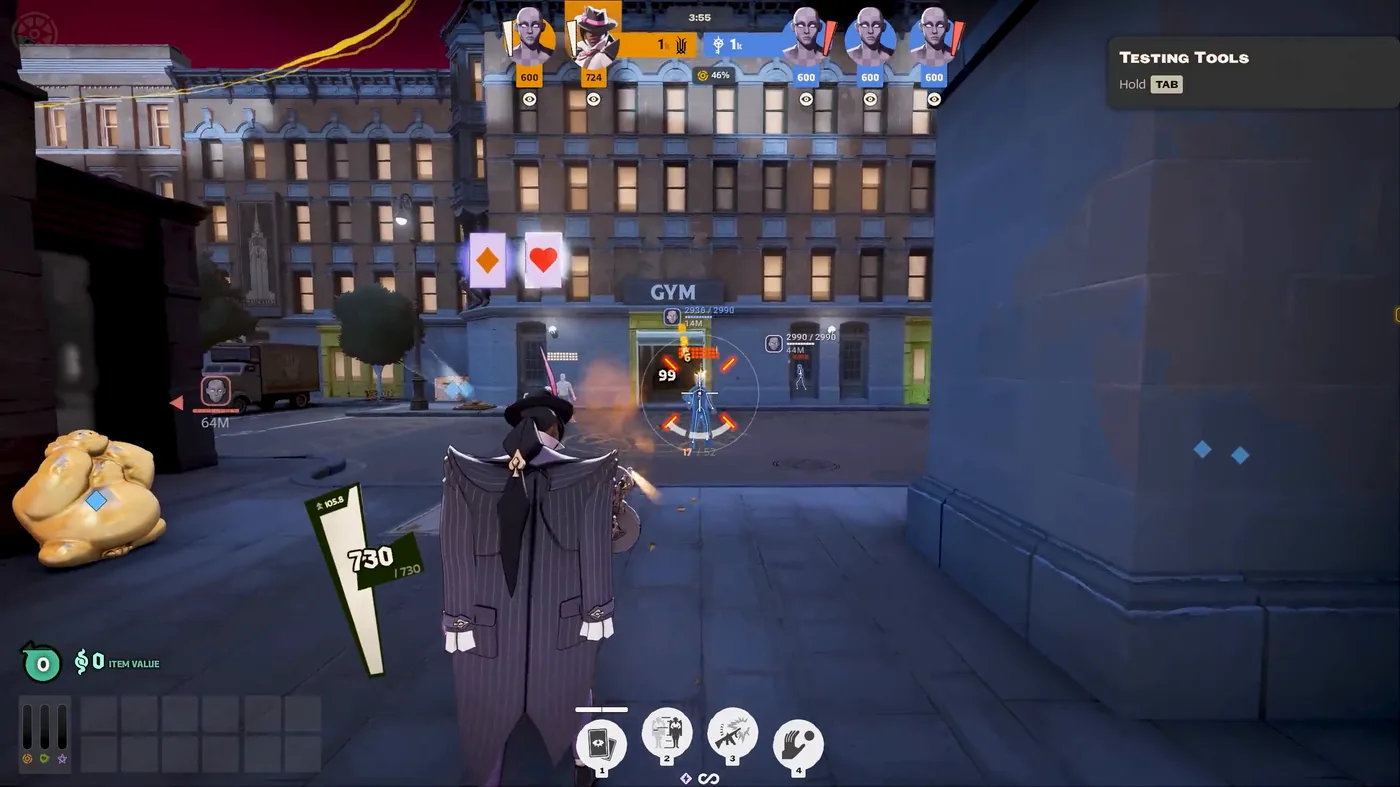
Soul ESP is a narrower job than this map layer. It is about the soul orbs themselves, not the whole set of map events, and we already broke that out in our Deadlock souls aimbot guide.
FOV and world colours
Camera FOV and aim FOV are not the same setting, and the world-recolor page is a visuals tool, not a wallhack.
According to the Melonity website, Visuals let you adjust the FOV. Changelog update #8 documents world recolor and fog, which matches the World recolor page in the ESP tab.
A camera FOV change is about how much of the scene you see. An aim FOV is a separate aiming limit. Melonity keeps those as separate settings; a PSilent FOV option for souls is documented in changelog update #13, which is why the souls guide is the better place for that detail. We are not going to walk through config files or game-file edits. That is not how this product is described, and it is not what this page is for.
How to pick a visuals setup
The useful question is not "turn everything on." It is which job you actually want to see in a fight.
- Can you still read the screen in a messy ranked fight, or does the overlay drown the game?
- Are the colours actually distinct for enemies, allies and neutrals? Update #14 splits those groups; update #14 also adds customization presets.
- How far out do you want information? Distance tags and off-screen markers answer a different question than a close-range outline.
- Do you care about map events (urn, mid boss, camps, breakable props), or only about player models?
- If you only need the through-wall model, stay on the Heroes page. If you want the map layer, add Map objectives and Notifications.
Then open Melonity's Deadlock page and set the menu to match the job, not the other way around. If you are comparing sellers, our Melonity vs Umbrella comparison looks at what both publish about visuals and map tools.
Platform and support
According to the Melonity website, checked 17 Nov 2026, the Deadlock product is listed for Windows 10/11 only. Support is VK and Telegram, daily 08:00–00:00 MSK.
If Deadlock map awareness is the job you actually want, start with Melonity's ESP tab and read the latest changelog before you pay.
Check Melonity's Deadlock feature list
FAQ
What is a map hack in Deadlock?
A deadlock map hack is the map-level layer: objectives, timers and events, not just player models through a wall. Melonity's page describes this as "Take control of the entire map," and those jobs sit on the ESP pages for Map objectives and Notifications, plus the Visuals the seller lists for souls, map activities and power-ups. We checked that wording on 17 Nov 2026.
Is ESP the same as a wallhack in Deadlock?
No. A wallhack is the through-wall view of models or outlines (chams, glow, skeleton, boxes). ESP is the information on top: health, distance, off-screen markers. In Melonity's menu those controls live in the same ESP tab, but they are not the same job.
Does Melonity have a radar for Deadlock?
Radar is not listed on Melonity's Deadlock page or in its public changelog (checked 17 Nov 2026). What is listed is Visuals for allies and enemies, souls, map events, power-ups and FOV, and the ESP tab includes a Minimap page whose function the seller does not describe. We are not going to call that a radar.
What does Melonity ESP show besides players?
According to the Melonity page and changelog, Visuals also cover souls, map activities and power-ups. Dated additions include breakable props, a soul urn indicator (update #8), Mid Boss Alert (update #9), NPC glow for troopers and neutrals (updates #13 and #14), and unsecured souls in the top bar (update #14).
Can I customize how ESP looks in Melonity?
Yes. The public changelog documents box settings in update #2, Glass chams in update #7, later chams with glow and animations plus separate colours in update #8, world recolor and fog in update #8, and customization presets in update #14. The ESP tab also exposes those style controls in the menu itself.
Is ESP safe from VAC?
According to Melonity, Melonity Safe includes AntiVAC, Spoofer and Humanizer. Spoofer is the module name Melonity uses; we are not describing what it does. We cannot confirm that claim from outside the seller's page, and no tool can promise you a clean account.