Cluster CS2 Cheat Review (2026)
Hi, everyone. As I promised, today a new series begins, covering CS2 and Deadlock cheats along with a look at VAC and the technical side, which still matters a lot when you choose what to run in the game.
For other formats and providers, see my best CS2 cheats roundup. If you are looking specifically for Cluster, the Cluster CS2 Cheat product page has the current plans and delivery information.
Our topic today is the Cluster CS2 cheat (link is clickable).
We will go through its features in detail, look at what is going on inside, and review its VAC protection features and usability without treating any detection-risk claim as a guarantee.
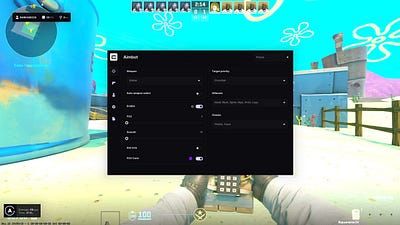
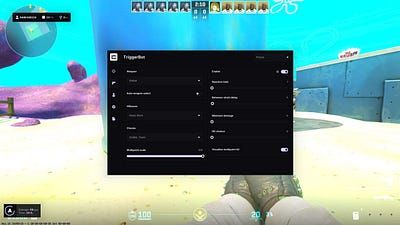
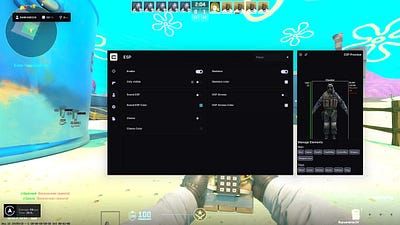
Not every menu screenshot is here, but the design deserves a word. A decent interface is still a weak spot for many cheats, because plenty of menus make sense only to the people who built them, not to the users actually using the product. Cluster aims to be different, with an interface designed to be easy to pick up. A free default CFG comes included from day one, so newcomers do not need to set the cheat up from zero.
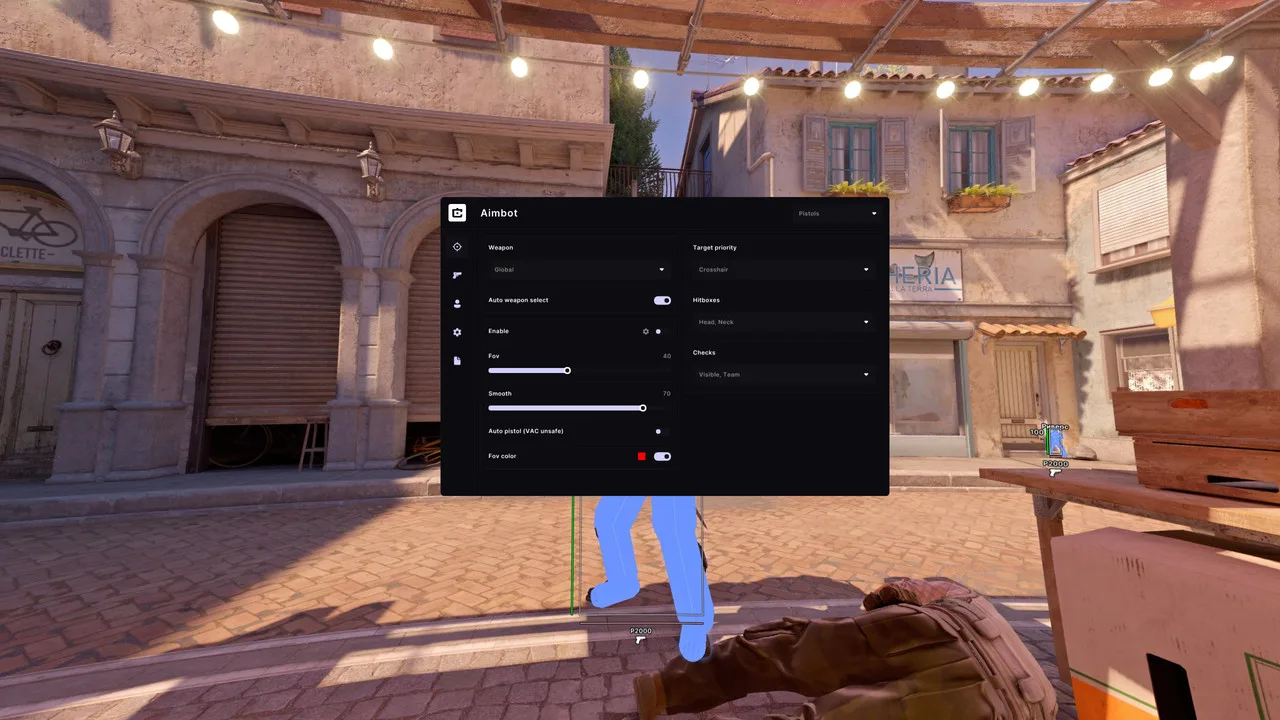
1. Aimbot: Built for Playing Safe
Just like the whole cheat, Cluster’s aimbot is made for the most legit and secure play possible, not for HvH. What it is there for is smooth aim help that looks human and is intended to reduce VAC-Live detection risk, although it cannot eliminate bans.
- FOV and Smooth: The base of every legit cheat. You pick the field of view and the softness of the aim. The right balance of Smooth is what makes your mouse movement look natural.
- Target priority and hitboxes: You can tune target priority precisely (nearest to the crosshair or by the chance to hit). The hitboxes to aim at are selectable one by one: Head, Neck, Spine, Hips, Arms, Legs.
- Smart checks: Visibility, blind-spot and teammate checks are intended to reduce unnatural crosshair movements when an enemy is behind cover or you are flashed. They do not eliminate detection risk.
- Auto Pistol and per-weapon settings: Each weapon gets its own profile, so you can set up every gun or weapon class on its own. Going purely for headshots with an AWP would make little sense, right?
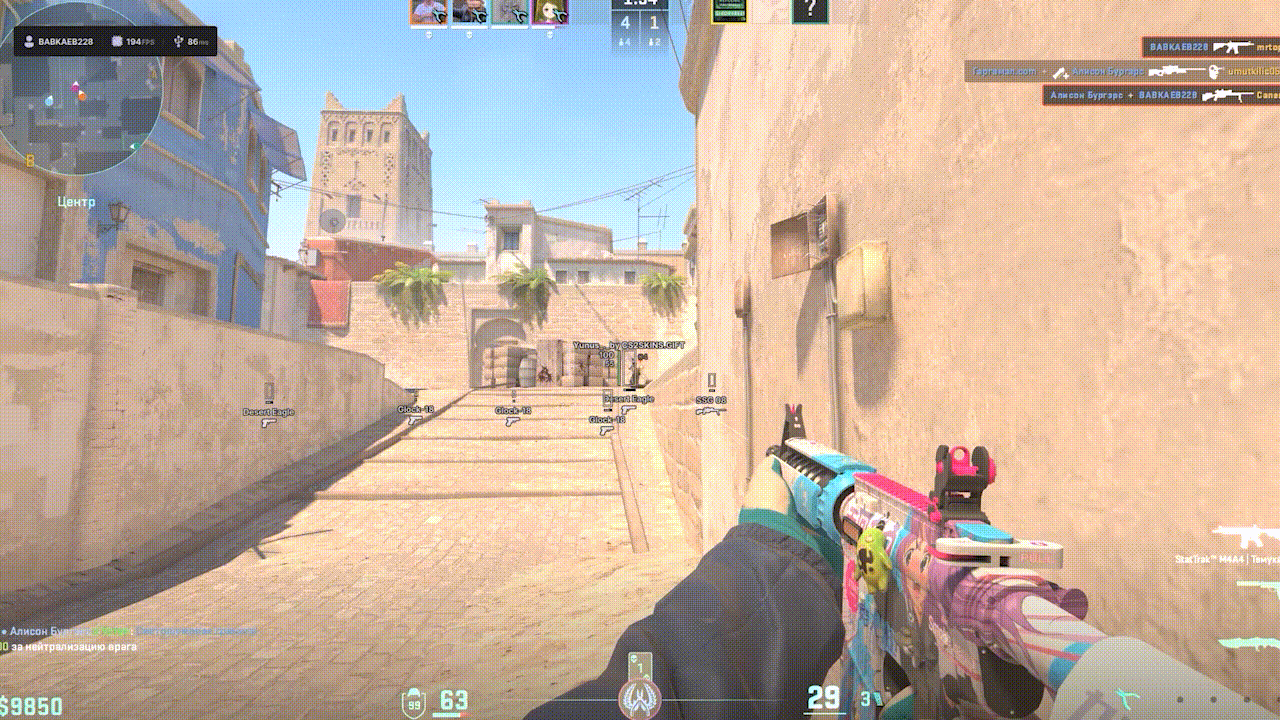
2. TriggerBot
TriggerBot shoots by itself once your crosshair is over an enemy model. An aimbot locks onto enemies, whereas TriggerBot does no locking; it fires only after you have put the crosshair on them with your own hand.
As a result, TriggerBot makes your reactions look flawless, and every questionable moment can be explained by good practice. Snipers and players who hold positions will find this feature especially handy
- Timing and delays: So that instant 0-millisecond shots do not give you away (the server flags those as cheating right away), you can fine-tune Reaction time (the wait before the gun fires) and Between-shots delay (the pause between shots).
- Hitboxes and checks: As with the aimbot, the trigger shoots only at the body parts you chose and takes teammates, blind spots and visibility into account.
- Advanced ballistics: The Multipoint scale, Hit chance (the chance to hit, spread included) and Minimum damage features ensure that a shot goes off only when it is sure to deal the damage you want to the enemy.
- Visualize multipoint hit: A feature that draws on screen every point the trigger bot is currently willing to fire at.
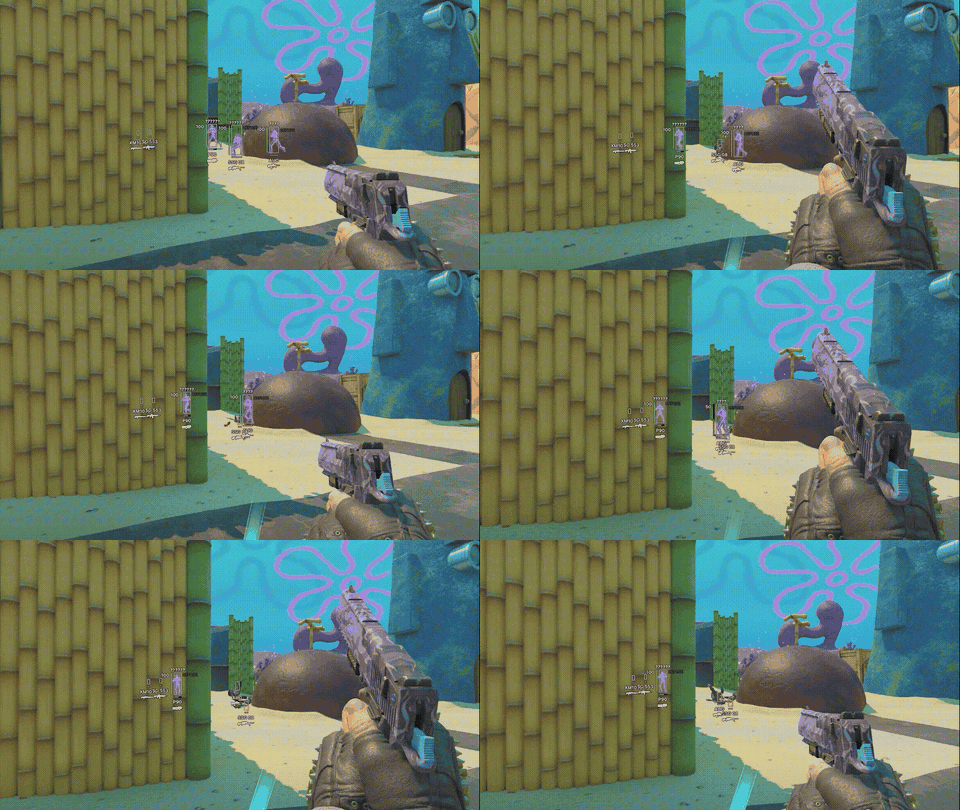
3. ESP (Wallhack) and the Visual Edge
In CS2, information beats any weapon. Cluster’s ESP section is so complete that the whole map is under your control. And because of the External architecture, visuals are drawn over the game without touching the memory of CS2 itself (which matters a great deal for VAC protection).
What you learn about the enemy:
- Box, Name, Skeleton & Chams: Familiar outlines, skeletons and model highlighting (Chams) that reveal positions instantly.
- HealthBar & AmmoBar: You can always see an enemy’s HP and the rounds left in their mag. Great for rushing them mid-reload!
- Weak-moment indicators: You see when an enemy is flashed, scoped in with a sniper rifle or reloading. Those are ideal times to strike.
- Weapon & Weapon Icon: Shows what gun the enemy has in hand, as text or as an icon.
Extra features:
- Sound ESP: Among the strongest features. Footsteps and actions show up visually on your screen. Even with the sound muted, you will “see” enemies walking.
- World ESP: Shows dropped bombs and when a defuse is in progress.
Clearly, all of this together gives you a degree of control that no PC peripheral could ever offer.
4. Misc and Utilities
All the key utility features are collected in the “Misc” tab:
- Bomb timer: A bomb countdown with millisecond precision, right inside the interface.
- Spectator List: Lists the dead players or spectators who are watching you at the moment. With someone watching, you can tone it down and make your play look as “legit” as it gets.
- Keybinds: A handy overview of every hotkey you have set, so you can toggle functions quickly mid-game.
5. Humanizer: VAC Protection
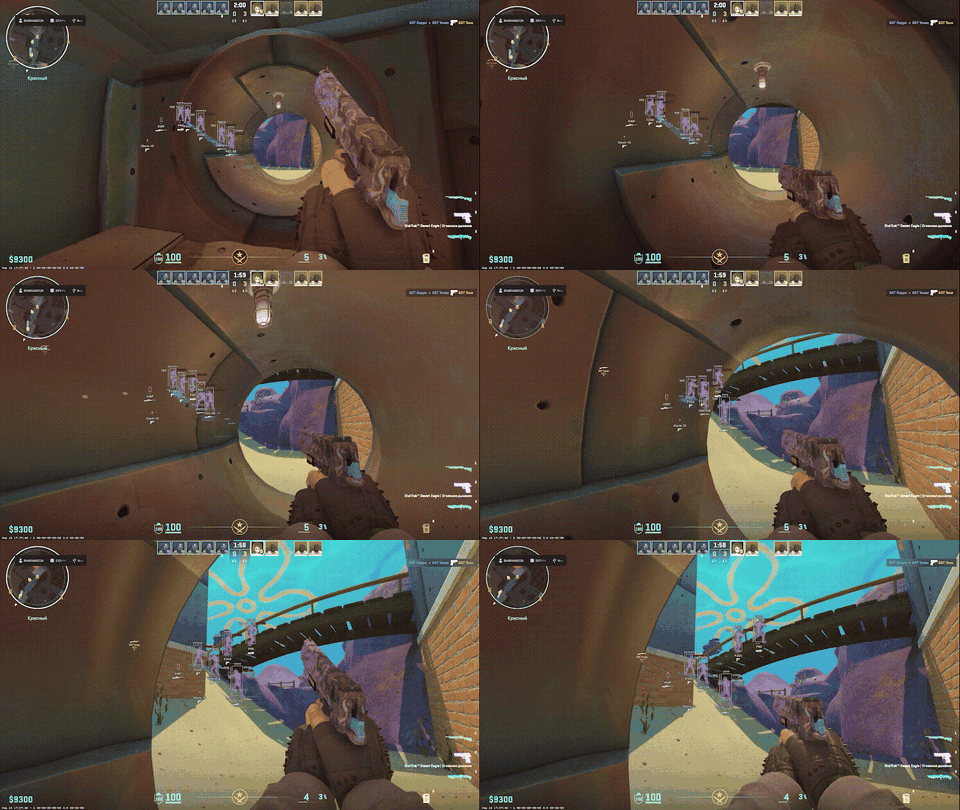
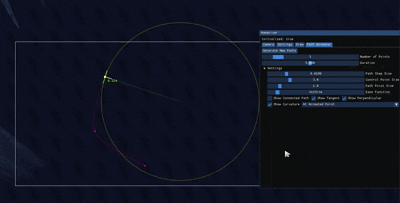
Humanizer works as one more layer of defense against anti-cheat tools and smooths out the odd behavior cheats produce for the anti-cheat to see, so server-side detection is less likely to flag those movements, though risk remains.
It was made specifically against VAC-Live; for instance, it adds tiny jitter to the aimbot’s targeting, micro-pauses before a key is pressed and the like. Further down there is an example of the Humanizer at work in CS2.
For those who do not know, VAC-Live is how Valve fixes VAC’s core weakness — VAC runs in user mode, so it lacks the deep access to your PC that an anti-cheat like Riot’s Vanguard has. For players that is clearly a good thing, because this anti-cheat cannot reach private data on your computer, unlike the ones running right in the kernel.
The flip side is that slipping past anti-cheat protection inside the game becomes far easier; that is exactly the reason VAC-Live exists — it works off server data and hands out verdicts while the match is still going. Here Humanizer saves the day, and cluster.center implemented it before anyone else.
Conclusion
Cluster CS2 sets the bar for how a modern cheat ought to look.
It is built for the highest user comfort and every user’s needs, includes Humanizer-based risk-reduction features without guaranteeing future detection status and, all in all, makes for a great experience.
Want to test it? New users can request a free trial after signing up; check the vendor page for current terms — cluster.center/en/cs2