A CS2 aimbot chooses a target and adjusts the aim toward it. In Cluster, that behavior is split into controls for FOV, smoothing, target priority and hitboxes. The value of those controls is choice: you can see which part of aiming the product lets you change.
Those controls can change the feel of aim assistance in different ways. If the crosshair picks an unexpected opponent, movement speed may not be the issue. If it picks the intended opponent but takes a gradual path, target selection may already be doing what you expect.
Quick answer: FOV concerns which candidates are in range of the aiming feature; priority concerns the selected candidate; smoothing concerns the movement toward it. Hitboxes and checks add further conditions.
Start with the actual Cluster menu
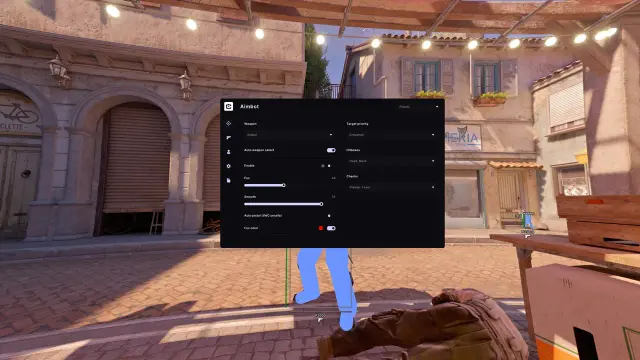
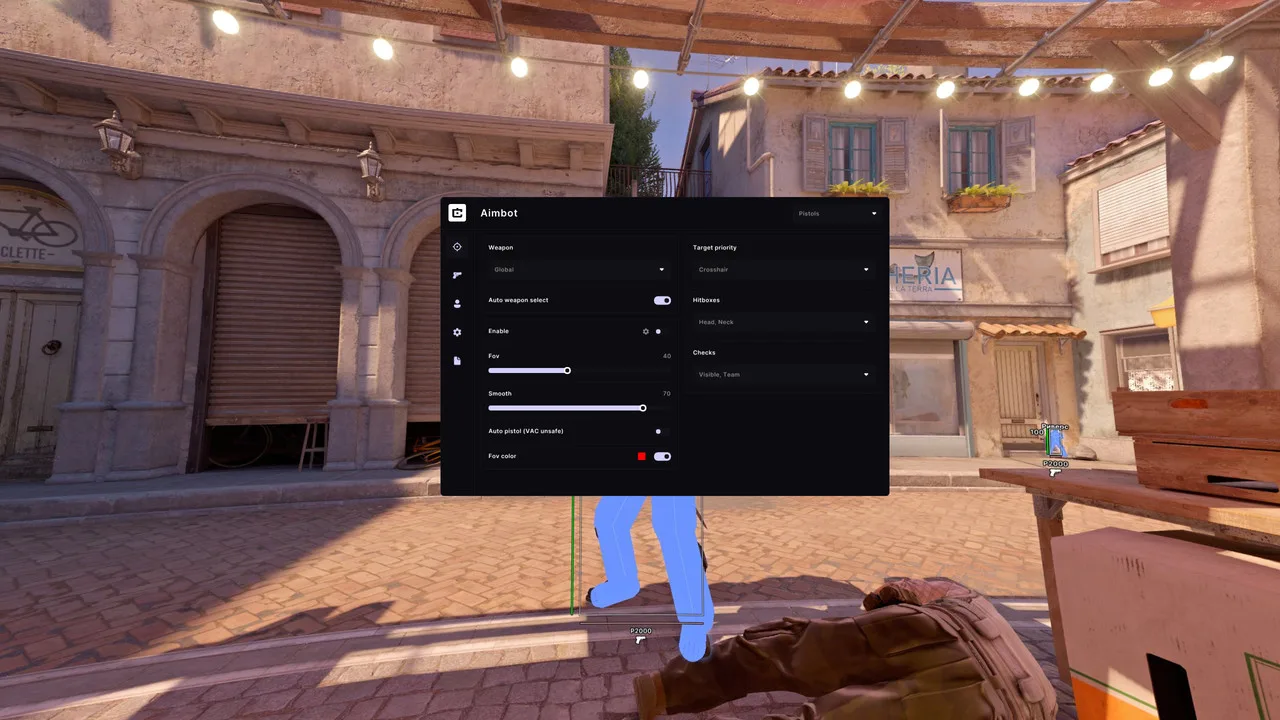
Cluster's official CS2 image shows Fov, Smooth, Target priority, Hitboxes and Checks as separate controls. It also includes weapon selection and an auto-weapon option.
The screenshot shows Crosshair priority and Head/Neck hitboxes. Those are displayed choices, not universal recommendations. Likewise, the Fov and Smooth numbers are interface values: the image doesn't establish their units or a formula for comparing them with another product.
Two opponents, three different questions
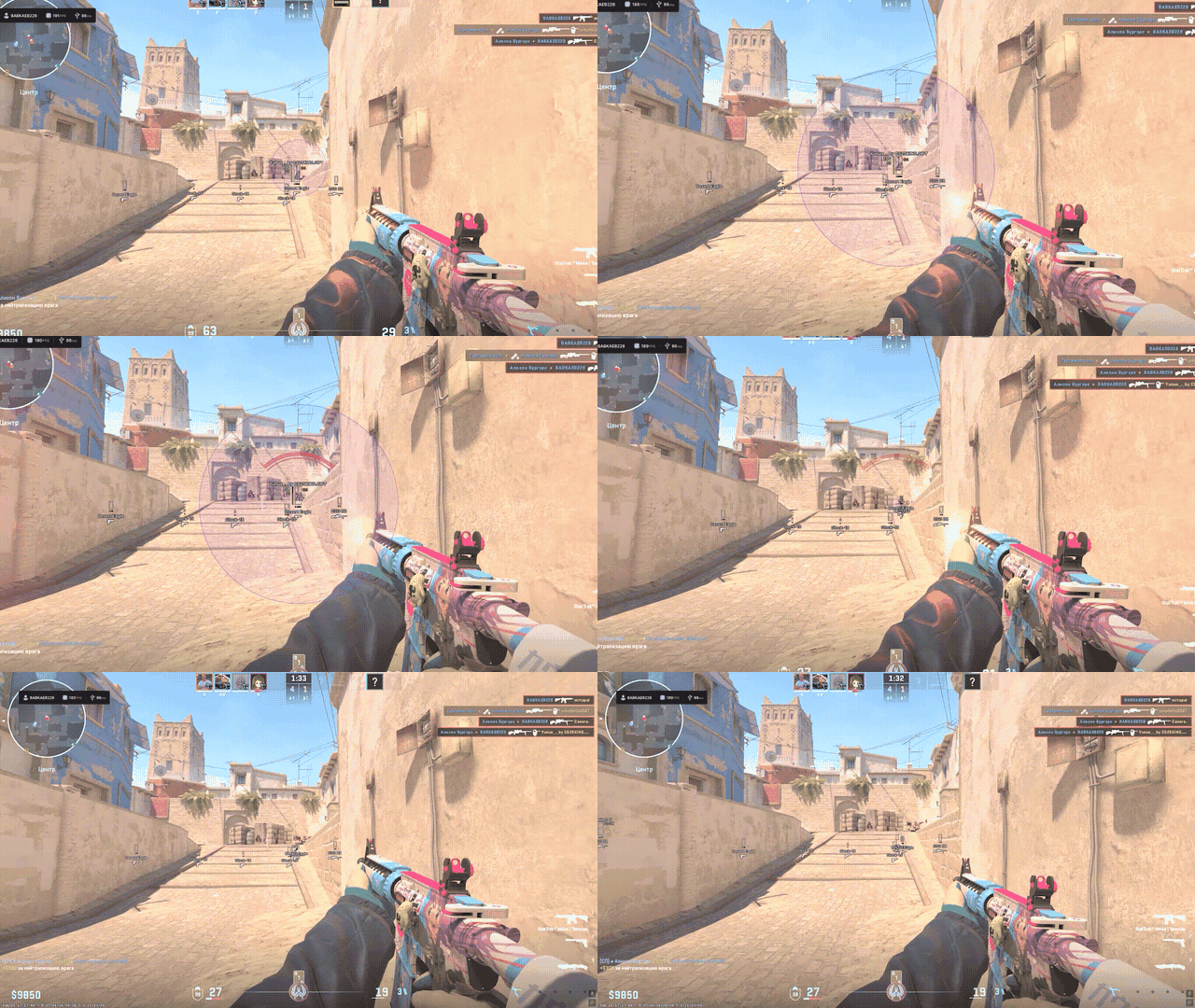
Imagine one opponent near your crosshair and another farther to the side. Both are on screen. That alone doesn't mean both are candidates for aim assistance.
The FOV question is eligibility. Is each opponent inside the aiming feature's search area? A narrower area can exclude the second opponent before target priority even matters. A wider one can admit more candidates; it doesn't automatically decide which is preferable.
The priority question is selection. If both qualify, a crosshair-based preference favors the candidate closest to the crosshair. A different priority rule can produce a different selection with the same FOV.
The smoothing question is movement. Once a point has been selected, how does the crosshair travel toward it? That is separate from why the point was selected.
This example is why “make the aim smoother” isn't a complete answer to every uncomfortable movement. A slow movement toward an unwanted target is still a movement toward an unwanted target.
Hitboxes choose a point within the target
Selecting an opponent is only part of the job. The aim feature also needs a point on that opponent.
The pictured Head and Neck selection concerns eligible body areas. It isn't the same as choosing the opponent nearest the crosshair. One control concerns which player; the other concerns which part of that player.
Checks are another layer. The screenshot includes Visible and Team labels. These describe conditions used by the feature, rather than the smoothness of the movement itself.
Taken together, the controls explain why two clips can look different even when their FOV and smoothing labels match. Other parts of the configuration may differ.
Why weapon profiles matter
A pistol engagement and a scoped rifle engagement don't ask you to move the crosshair in exactly the same way. Weapon profiles let a product keep distinct settings for different weapon contexts.
The useful detail in Cluster's menu is that weapon selection is visible alongside the aim controls. When reading a screenshot, the selected weapon context belongs with the numbers. Copying a slider value while ignoring the profile leaves out part of what the screen shows.
The same applies to Fov color. In the screenshot, it's a separate appearance control. Changing the color of an indicator is a readability change; it doesn't mean the acquisition area became larger.
Smoothing and anti-cheat protection are different jobs
Smoothing describes the movement you see. It does not measure how software interacts with an anti-cheat system. A gradual crosshair movement is therefore not proof of account safety.
The same separation applies to software protection. A loader can authorize an account and protect a paid build from copying, while the in-game features have their own update requirements. Reverse-engineering writeups often focus on that licensing and delivery layer. Difficulty copying a product tells you little about its current detection status.
Cluster advertises protection and Humanizer features alongside its aim controls. Those claims explain the developer's security focus; no slider value or product description can guarantee the absence of a ban.
Try the Cluster package before choosing a subscription
Cluster combines Aimbot with TriggerBot, ESP and HUD. For someone buying primarily for aim assistance, the menu shown above is the useful starting point: it exposes target selection, movement and weapon context separately. Our Cluster CS2 overview covers the other modules.
The developer currently offers a three-day trial to new accounts registered through an available OAuth provider. A previously used trial cannot be claimed again on another account. Windows 10/11, 64-bit, is listed as supported.
If you are comparing automatic aim with automatic firing, read CS2 triggerbot vs aimbot. If you want to inspect the product and its current access terms, open Cluster for CS2. This is a partner recommendation based on its published features and interface, not an independent performance test.
FAQ
What does CS2 aimbot FOV mean?
CS2 aimbot FOV refers to the area where the aiming feature considers targets. It should not be confused with a camera-view setting merely because both use the abbreviation FOV.
Does a larger FOV make aim movement faster?
Not by definition. It changes the candidate area. Movement behavior is a separate part of the aiming feature.
Is smoothing the same as target priority?
No. Smoothing concerns movement toward a point. Target priority concerns which eligible target is preferred.
Can the same Smooth number mean different things?
Yes. Products can use different scales and definitions. A number without the product and version context isn't a transferable specification.
What do weapon profiles change?
They let the product apply distinct settings to different weapon contexts. The profile is part of the configuration, alongside the displayed aim controls.