A CS2 triggerbot and aimbot can appear in the same cheat menu, but they solve different parts of a gunfight. A triggerbot controls the shot: when a valid target reaches the crosshair, it can fire. An aimbot controls the aim: it moves or adjusts the crosshair toward a target according to its settings.
The shortest useful distinction is simple: aimbot moves the crosshair; triggerbot presses the shot. Some products let the two features work together, which is why demos and product pages can make them look like one system.
Picture an enemy crossing a doorway
Imagine holding a narrow doorway with your crosshair already placed at head height. An enemy walks into that line.
- With triggerbot only: your crosshair stays where you placed it. The feature can fire after the enemy intersects it.
- With aimbot only: the crosshair can move toward the enemy, but whether the weapon fires depends on your input or a separate auto-fire option.
- With both enabled: the aimbot can acquire the target and the triggerbot can fire when the configured condition is met.
This doorway example also explains the main trade-off. Triggerbot depends heavily on crosshair placement and timing. Aimbot can compensate for aim movement, but its behaviour is much more visible when smoothing, field of view or target selection is configured aggressively.
What a CS2 aimbot actually controls
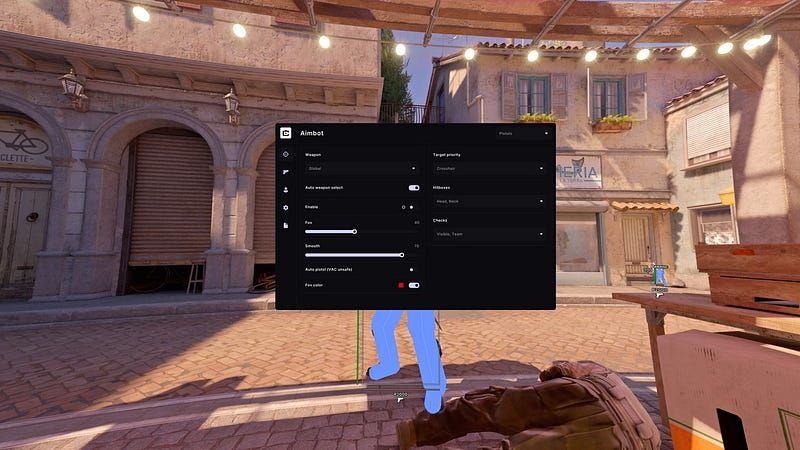
An aimbot chooses a target and changes the aim toward a selected point. The exact behaviour depends on the implementation, but feature lists commonly expose the same categories:
- Field of view: the area around the crosshair in which targets can be considered.
- Smoothing: how quickly or gradually the crosshair travels toward the selected point.
- Hitbox selection: the body area used as the aim point, such as head, chest or nearest visible bone.
- Visibility checks: whether the system ignores targets behind map geometry.
- Weapon profiles: different values for rifles, pistols, snipers or other weapon groups.
A video can show the resulting crosshair movement, but it cannot explain every active setting. When comparing products, the configuration screen is often more useful than a montage because it reveals which variables the user can actually change.
What a CS2 triggerbot actually controls
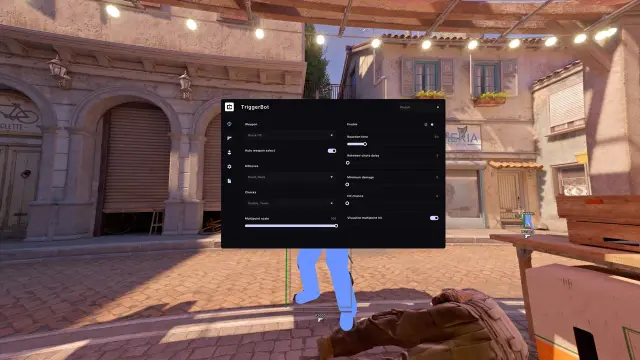
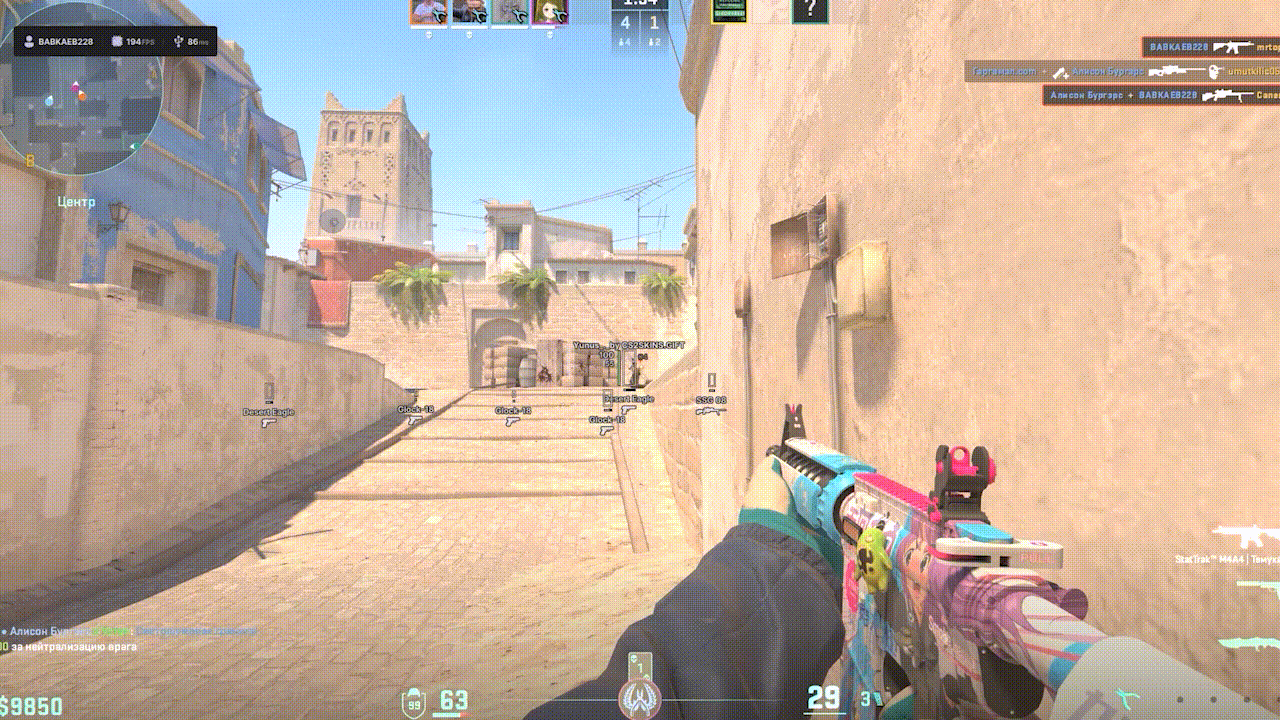
A triggerbot watches the crosshair line and handles firing. It does not need to drag the aim across the screen. The settings that matter are therefore about the shot itself: activation key, minimum delay, hitbox filtering, scoped-only rules and whether teammates or obstructed targets are excluded.
That makes triggerbot easier to confuse with fast manual input. To read a demo correctly, watch the crosshair before the shot. If it is already positioned and the weapon fires exactly as the target enters it, the clip is demonstrating trigger behaviour. If the crosshair first travels to the target, an aim-assist feature is also involved.
Where ESP fits into the comparison
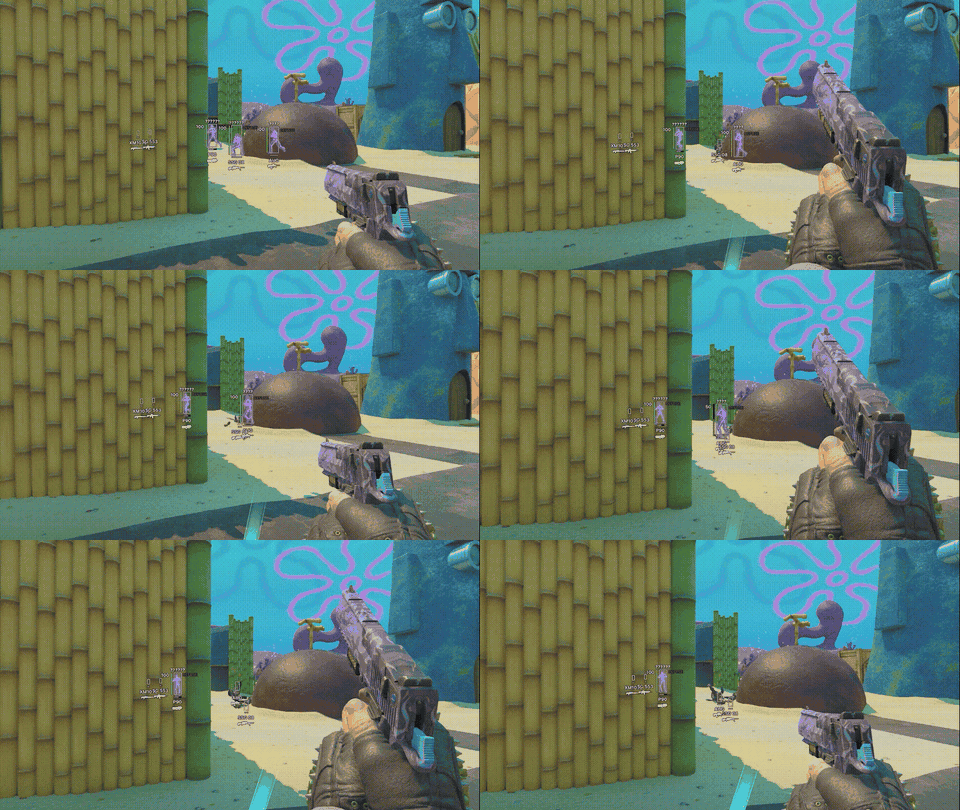
ESP is neither aiming nor firing. It adds information to the screen, such as player boxes, names, health, skeletons or distance. In the doorway example, ESP may show that an opponent is approaching before they become visible. The aimbot can then affect where the crosshair goes, while triggerbot can affect when the shot happens.
Keeping those roles separate makes long feature lists easier to read:
- ESP answers: where is the target and what information is displayed?
- Aimbot answers: where does the crosshair move?
- Triggerbot answers: when does the weapon fire?
How Cluster separates the features
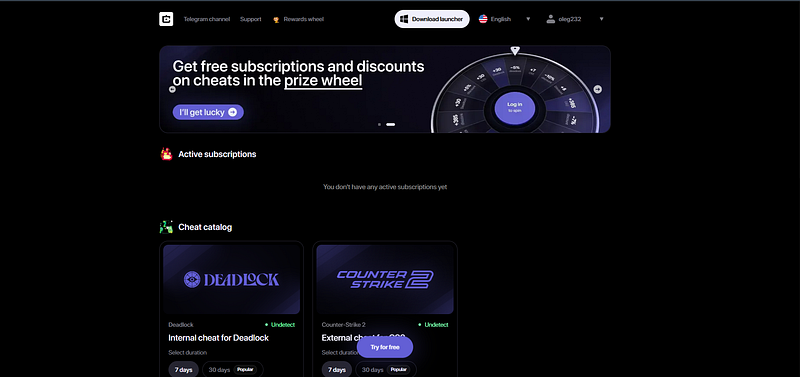
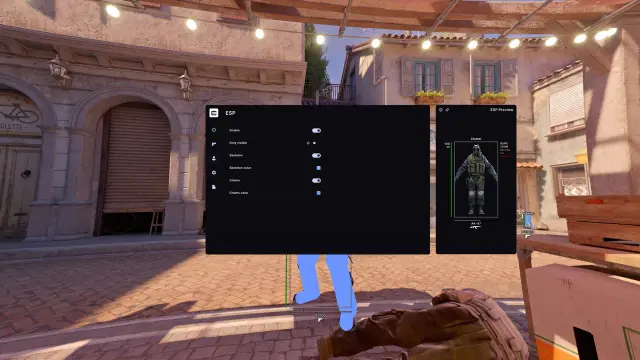
Cluster's CS2 feature page lists Aimbot, TriggerBot and ESP as separate groups. That structure is useful because it lets a buyer verify whether a product uses the terms in the conventional way instead of treating every combat function as “aimbot.”
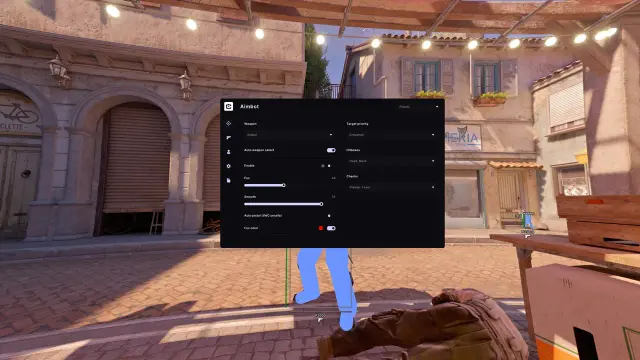
The screenshots above show the same separation in the interface: aim settings define target acquisition and movement, TriggerBot has its own activation and delay controls, and ESP has a dedicated visual configuration. Our full Cluster CS2 review covers the wider package, setup and feature groups.
Feature descriptions and demonstrations explain advertised behaviour. They do not prove detection status, account safety or a guaranteed result. Using cheats can violate game rules and can put an account at risk.
CS2 triggerbot vs aimbot FAQ
Does a triggerbot aim for you?
No. A triggerbot normally fires when the crosshair meets its configured target condition. Crosshair movement comes from the player, an aimbot or another aim-assist function.
Can an aimbot fire automatically?
Some aimbots include an auto-fire option, while other products keep firing in a separate TriggerBot module. Check the product's actual settings rather than assuming the label includes both actions.
Is ESP part of an aimbot?
Not in functional terms. ESP displays information; aimbot changes aim. A product may bundle them in one menu, but they remain different feature categories.
Which feature is less visible in a demo?
Triggerbot can be harder to distinguish from manual firing because it may not move the crosshair. That does not make it safe or undetectable; it only changes what is visible in the clip.