Cluster Deadlock Review: Download the Deadlock Cheat. An Overview of Hacks Features
Hi, everyone. Here is the second piece in my series about cheats for CS2 and Deadlock. The market of software for the new Valve shooter is growing fast, yet today we will dig deep into the clear number one in this niche.
Our subject is an internal cheat named Cluster Deadlock. External solutions stay outside the game, while this one is built straight into the game process, and that makes it possible to pull off very complex mechanics like instant Auto Parry and true Silent Aim, giving you a huge edge while keeping you protected.
Want to try cluster’s Deadlock cheat yourself? Here you go — cluster.center(clickable link)
Sign up and, as a new user, you get 7-day trial access for free
Time to open the hood and go through the modules one by one to see why this internal cheat collects such strong reviews.
1. Aimbot
Shooting and finishing enemies in Deadlock work nothing like they do in traditional shooters, which is why a good cheat has to give you flexible tuning.
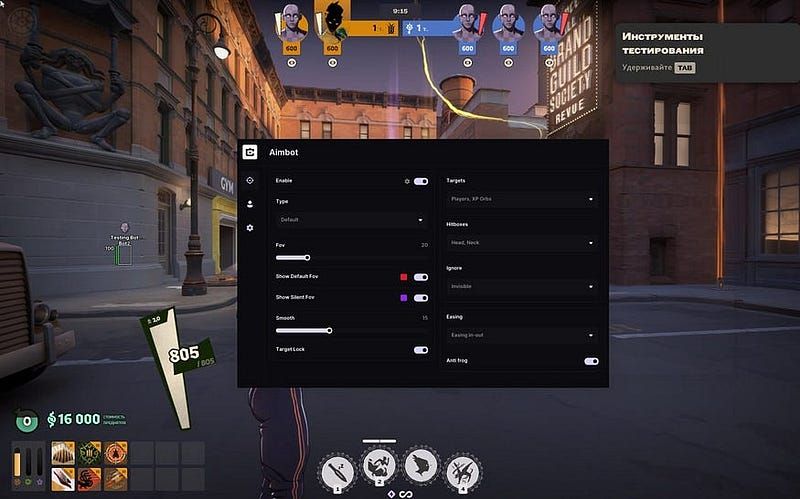
Here is what the aimbot settings in cluster.center look like:
- Aiming mode: Cluster has three modes on offer: default (regular aiming), silent (the bullets travel to the target while your aim shows no visual movement), plus a mix of default and silent.
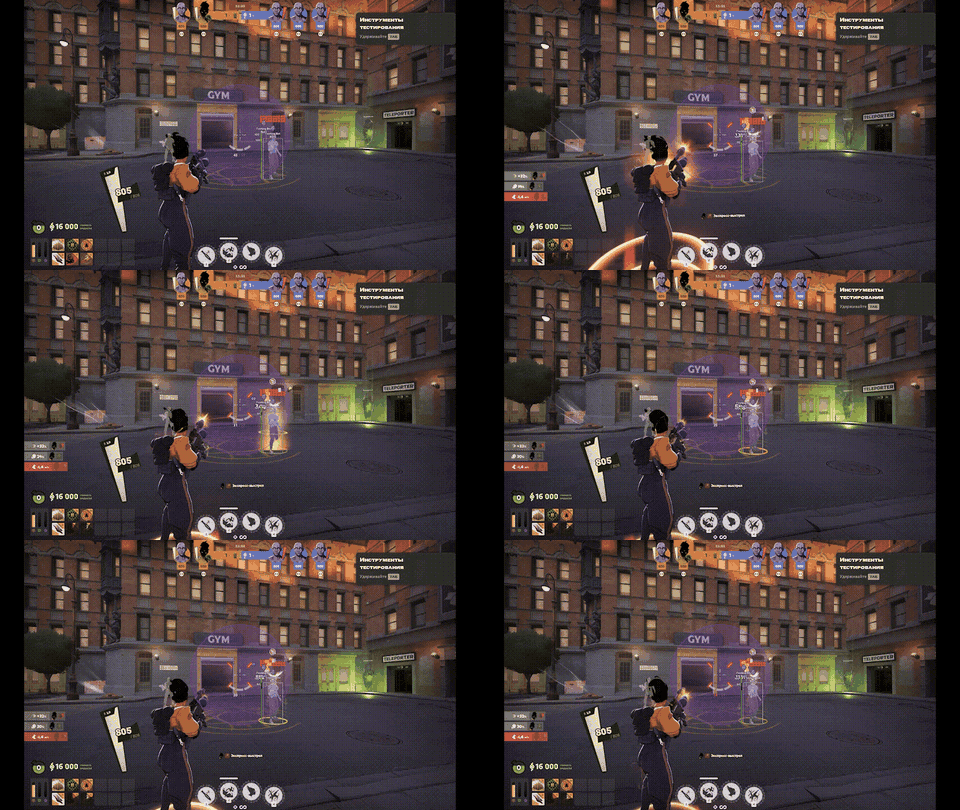
- What it aims at: This is the key feature! Besides players and creeps, the aimbot is able to lock onto XP orbs as well.
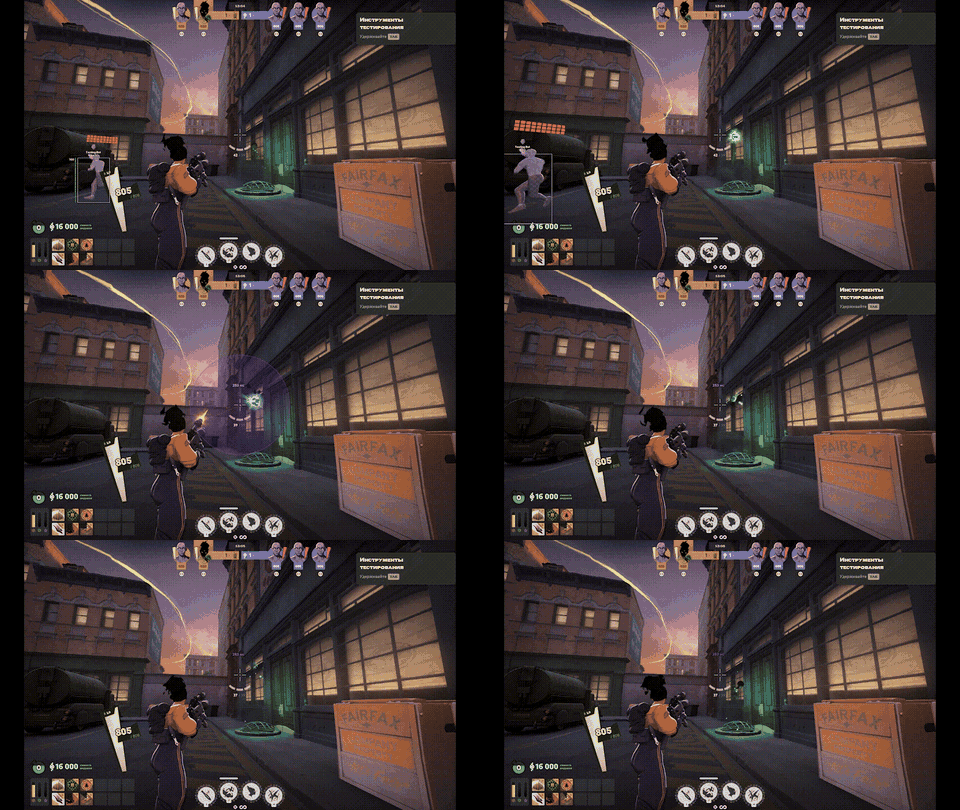
- Hitboxes & FOV: You decide exactly which hitbox zones count (head, neck, spine, hips). Turning on “show default FOV” or “show silent FOV” draws the working radius on screen. How soft the aim feels is set with the “smooth” parameter.
- Ignore & Easing (Smart Filters): So that the cheat performs at its best, there are filters that skip enemies you cannot see and those who are mid-jump. Smoothing modes (easing in-out, static, decreases when aiming, easing out-back) keep the behavior looking natural.
2. ESP (Wallhack)
In any shooter, a good cheat gives you the fullest possible picture of the map. Here the visuals run with zero lag, because the data comes straight from the game engine.
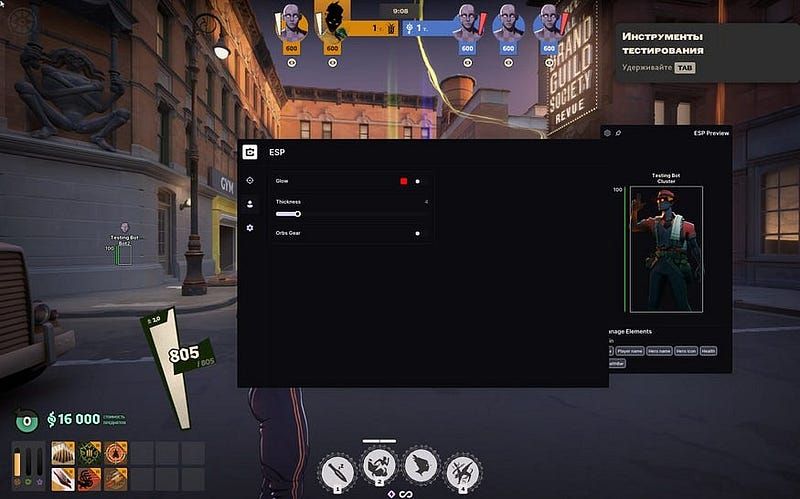
- The basics: A box (outline), the player’s name, the hero’s name and the hero icon — the enemy’s pick is obvious at a glance.
- State of the enemy: Thanks to the healthBar and health indicators, you can judge in a second whether a gunfight is worth taking.
- Customization and orbs: Adjust how model outlines look (thickness and glow). The real highlight, though, is that gear orbs are shown. The cheat marks the orbs that matter most, which hands you a big macro edge.
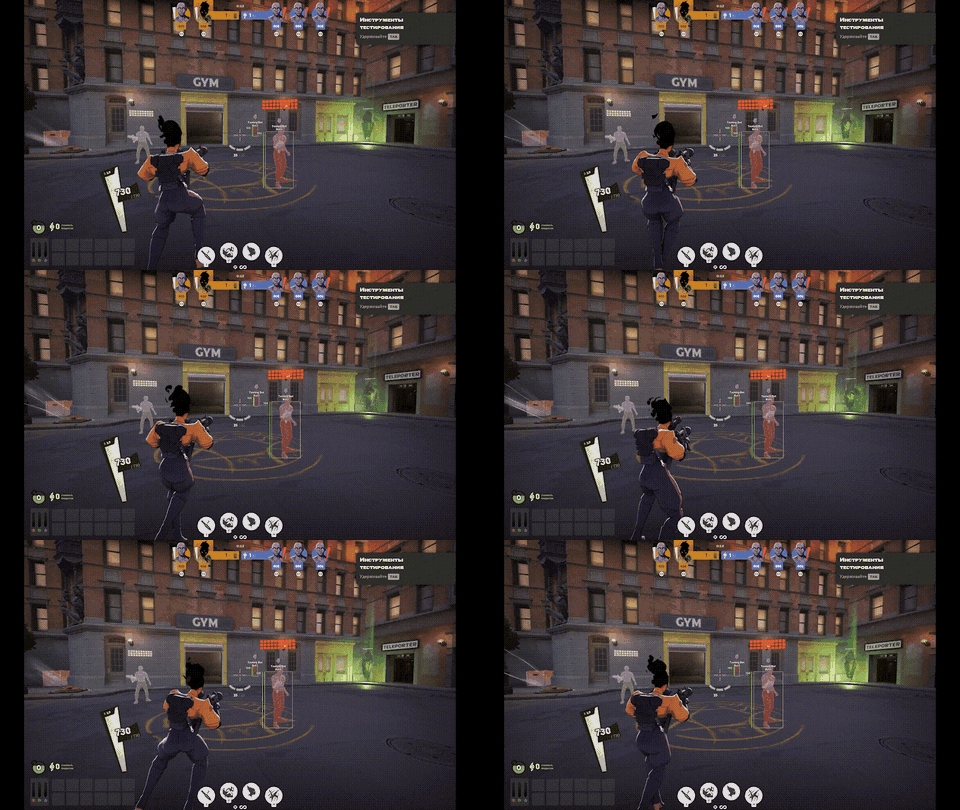
3. Misc & World Color: Visuals and Auto Parry
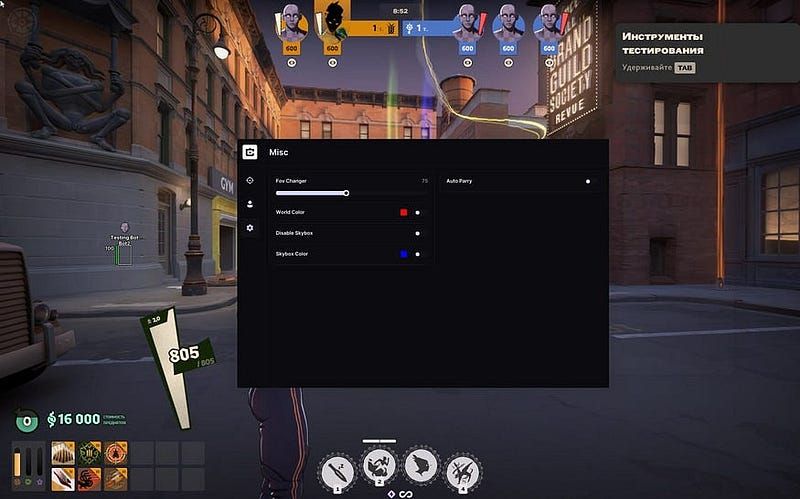
In the Misc tab you will find lots of utility features plus settings for tweaking the environment.
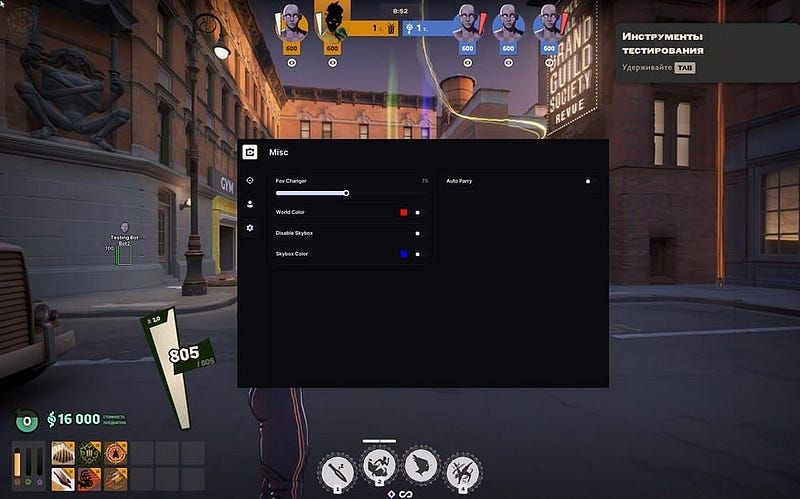
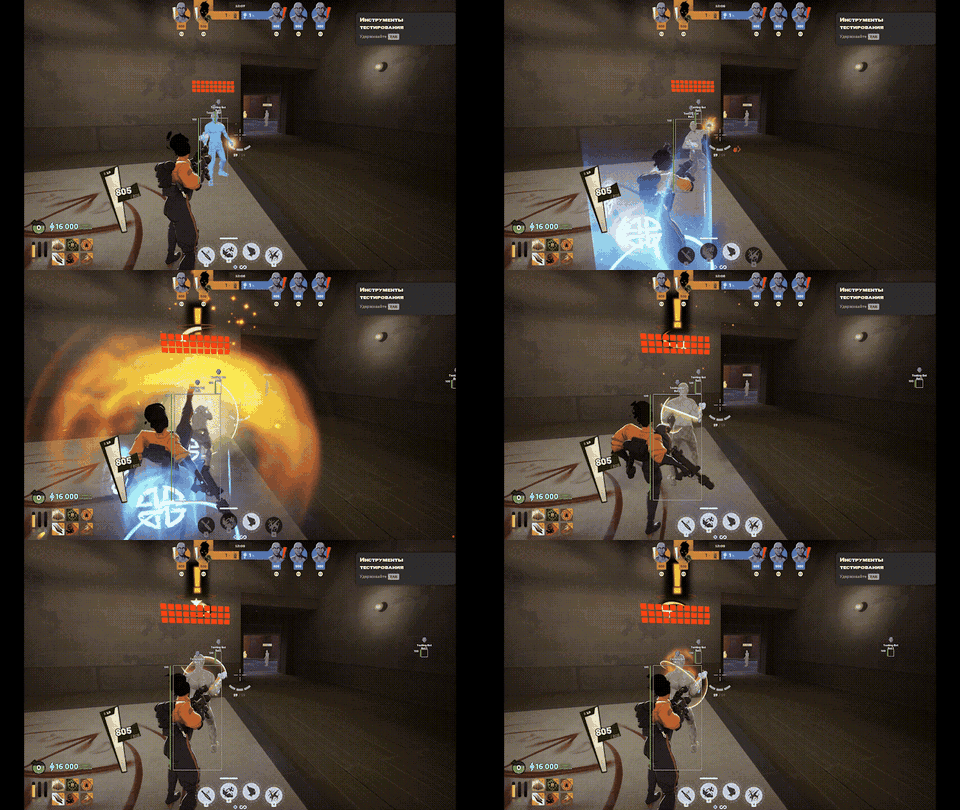
- Auto Parry: Perfect parrying of melee hits, done for you. Up close, Cluster leaves enemies no chance at all, since it reacts quicker than any pro player.
- Tweaking the environment: The FOV changer that comes built in lets you pull the camera back to see more. Settings such as “world color,” “disable skybox,” and “skybox color” remove visual noise from the screen and give your FPS a serious boost.
4. Humanizer (VAC Protection, Guaranteed)
Cluster gives you top protection while it is being injected into the game, since its drivers are invisible to anti-cheat software, and on top of that it has a defense feature built in against any anti-cheat checks Valve might run server-side.
Anyone who has read my articles knows this (and if you have not, go check my profile): VAC works as a user-mode anti-cheat, and this one fact is both what makes it good and what holds it back the most. Vanguard and the anti-cheat from Faceit sit in the kernel, whereas VAC does not live there but runs like any other app on your PC. Kernel-level access lets possible third-party cheats reach your private data, and such anti-cheats regularly clash with normal programs and even with other anti-cheats.
Valve has been patching that weak spot by adding neural networks and server-run checks to some titles, and those study the data coming from players in real time. Hiding a cheat from a system like that requires a module that evens out any mismatches the anti-cheat could spot, and Humanizer is exactly that kind of solution.
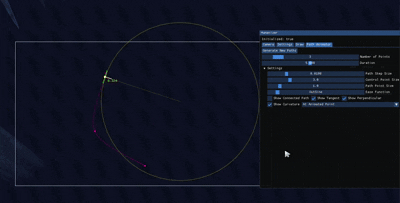
Humanizer inserts small delays before shots, random mouse movements and the like, so no neural network can ever detect cluster.
Overview
Right now, no cheat comes close to cluster.center when it comes to protection, comfort and functionality all at once.
Pick your cheats with care! And if you have already made the smart choice, cluster lets every new user try it free for seven days. Click this link and let’s get into the action!