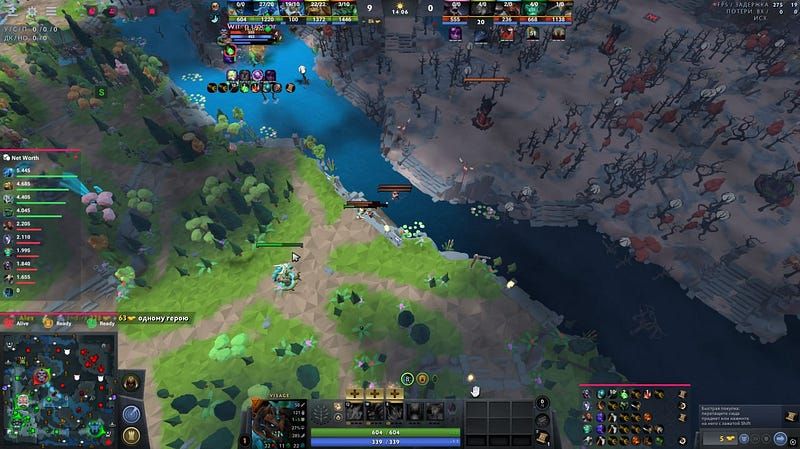
Dota 2 lobby cheat commands are practice controls that ship inside the client. In a private lobby with cheats switched on, they let you arrange heroes, items and levels, test cooldowns and run vision drills. They never become matchmaking cheats.
Quick answer: open a controlled private lobby, turn on the supported cheat option, pick a single drill and reset everything once you are done. Every example belongs to practice or to a custom setting.
Prepare a controlled lobby
Ahead of typing any command, settle what the drill is meant to show. A solid setup includes:
- a custom environment or private lobby;
- a hero and item state you can recreate;
- a single clear question;
- a way to reset;
- notes someone else could follow.
Never try commands in matchmaking. A lobby that is not controlled and cannot reset is the wrong spot for experiments.
Command families worth knowing
Syntax may shift, so check it against the official community docs or the up-to-date in-game help. The families themselves stay more stable than any list you copy:
- Resources: adjust gold or levels to get to a test state fast.
- Items and heroes: spawn the unit or gear a scenario calls for.
- Cooldowns: freeze or reset a test so the same cast can be repeated.
- Vision and map state: set up a controlled observation task.
- Targets: place a unit or setup for comparing range, damage or timing.
Note the command, the state you expect and what actually happened side by side. A command running fine does not prove the mechanic around it behaves as you assumed.
Make the test repeatable
Keep one fixed order each time:
- Launch the private lobby.
- Choose the hero and items.
- Use a single command family.
- Do the test action.
- Reset, then run it once more.
That way a messy sandbox becomes a practice note you can use. When the outcome shifts, look at the game build and lobby settings before you blame the mechanic.
Drills for vision, lanes and targets
Private commands suit questions like “is this event clearly visible to me?” or “will this item interaction work as I expect?” Aim the question at the game mechanic, never at getting hidden information during a real match.
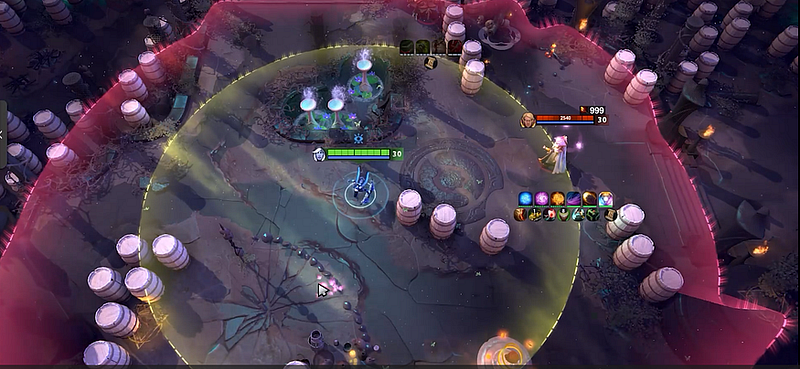
In a vision drill, write down what you saw normally, what the command altered and what you put back. In a lane drill, hold the unit composition steady. In a target drill, give every attempt the same item state and starting spot.
Wrap up and reset the session
Close the drill tidily. Reset the state: clear out spawned units, bring cooldowns back to normal and shut the lobby. Jot down which command family and build you used so the test can be rerun after an update.
Melonity is not required for built-in private-lobby practice and is not a source of lobby commands.
Internal links
- Dota 2 scripts vs macros
- How to write a Dota 2 script with Workshop tools
- Dota 2 cheat features explained
FAQ
Can lobby cheat commands be used in matchmaking?
No. They are in-game practice tools for private or custom settings, and they do not work as a matchmaking cheat.
What can I practise using them?
You can arrange heroes, items, resources and cooldowns, plus targets and vision drills (all controlled), within what the current lobby tools allow.
Is command syntax fixed for good?
No. After updates, check the current syntax and the supported context rather than blindly copying an old list.
Do lobby commands equal third-party scripts?
No. Lobby commands belong to a controlled game environment, while third-party scripts fall into their own risk and policy category.
What is the point of resetting after a drill?
A reset clears hidden state, so the following test can be compared fairly.