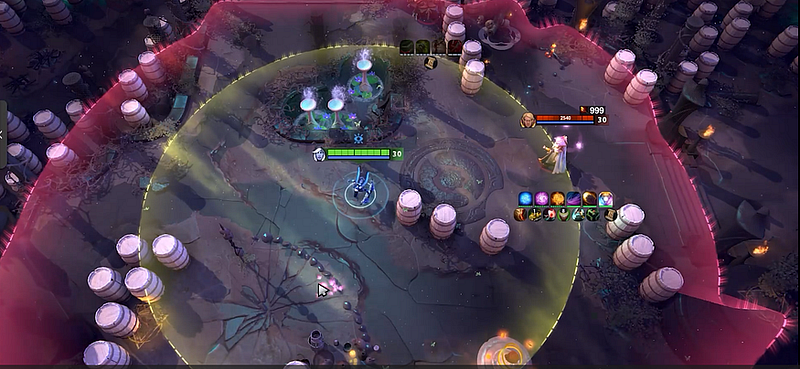
Dota 2 cheat features make far more sense once you quit tallying slogans and start asking what information a module takes in, what it changes, where its limits lie. “ESP,” “helper,” “combo” or “last hit” may each stand for wildly different behavior.
Quick answer: break each listing down: visual information, targeting or cast assistance, hero scripts, utility tools and cosmetic ones. After that, look at the named scope, the date, the exclusions and the account-policy background. Treat this as a glossary, not a how-to-build manual.
Modules for visuals and information
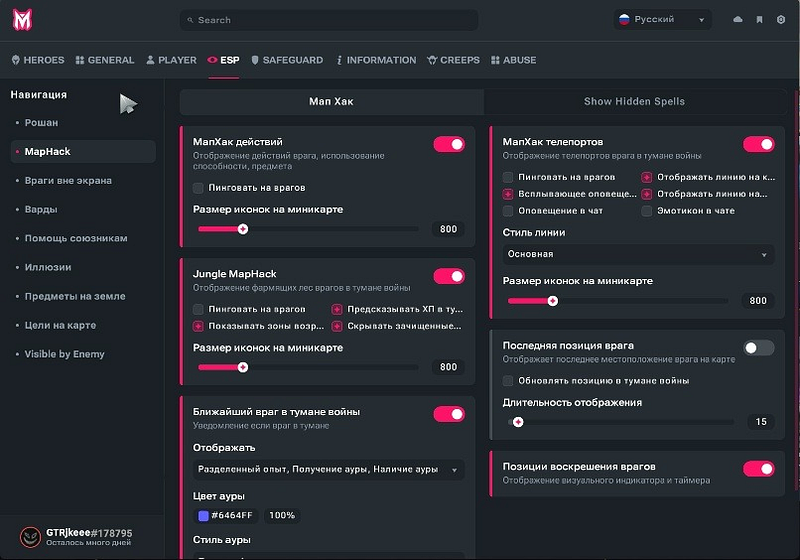
Here you find overlays, alerts and claims about the map. What matters most is the source of the signal: data the regular client shows anyway, a visible event reshaped as a reminder, or some claim regarding supposedly hidden state.
Questions to ask:
- Is the event seen, guessed at or presented as hidden?
- Does the page point to a particular hero, object or situation?
- Does it produce a marker, a timer, a warning or a prediction?
- When did someone capture the example?
All a screenshot shows is that a graphic once appeared on a screen. Whether the data is accurate or the coverage still holds, it cannot tell you.
Targeting and cast assistance
Listings may talk about a target selector, prediction or a cast helper. Read these as category names, never as promises. What separates them is whether a feature proposes a target, automates one input, or claims to pick an entire sequence.
Hero scripts and the logic of combos
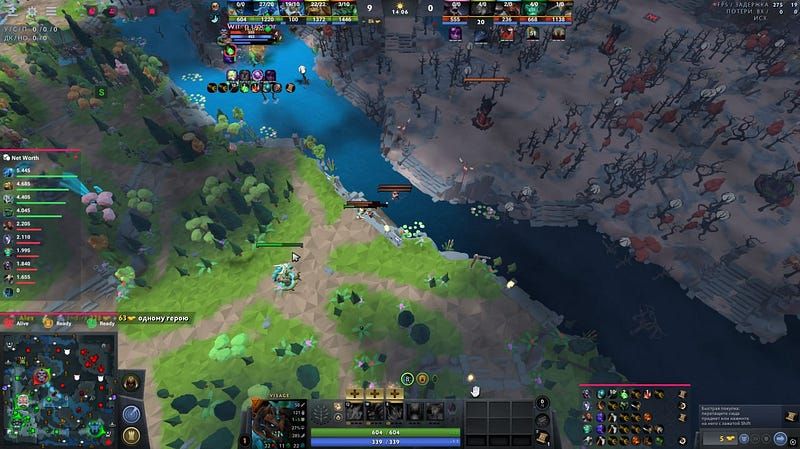
Suites tend to present hero scripts as their crown jewel. See if the page names heroes, spells, setting options and update notes. Saying “all heroes” with no list behind it is a long way from documented coverage.
One label may hide game-aware automation inside a module, a fixed macro, or a bot project with official backing. Look at the environment and the trigger before comparing anything.
Farming and utility tools
Utilities can mean reminders and item helpers, map or camera controls, or claims about farming. Keep formatting of information (a category of its own) apart from actions performed on the player’s behalf. A timer repeating something you can already see makes a very different claim from a module that sends inputs.
Sum up the scope in a single sentence. When that is impossible, the listing is too fuzzy to rate.
Cosmetic and interface changes
Cosmetic tools affect how things look, not what you own in your inventory; nothing changes there. Put what shows on your screen, what other players can see, and what Steam records into three separate boxes. One preview screenshot cannot settle all of them.
Convert the marketing into a checklist
Note for every feature:
- The precise label and what it means in plain words.
- The input or event named on the page.
- Which hero, mode or build it supports.
- The date and any proof of updates.
- What is excluded and which claims remain unresolved.
A sheet like that helps you make a better buying decision than any numbered list of “top features.”
How Melonity fits in
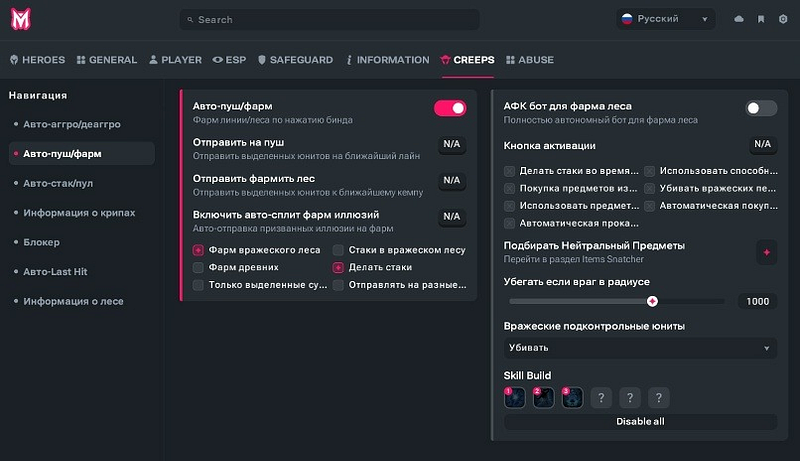
On its public page, Melonity groups hero scripts alongside visual categories and utility tools; take those as the vendor’s statements to be checked on the listing as it stands today, not as results of independent testing. We disclose our commercial tie and give no guarantee on safety or performance.
Internal links
FAQ
Into which categories do Dota 2 cheat features fall?
Typical categories: visual information, targeting or cast assistance, hero scripts, utility tools and cosmetic ones. Every one of them still requires a date and a scope.
Does ESP always show hidden information?
No. People throw the label around loosely. Find out if you could see the signal anyway, if it is guessed, or said to be pulled out of hidden state.
Is a hero script just a macro?
Not always. A hero script can respond to the game state, whereas a macro may just replay a fixed chain of inputs. The page ought to explain what triggers it.
Do cosmetics change what I own in my inventory?
No. Changing what your screen shows does not give you an entitlement in your Steam inventory or an item you can trade.
What is the right way to compare two feature lists?
Run both through identical fields: what it means, its input and scope, the date, exclusions and open claims.