In search results the word “script” covers no fewer than three separate things: third-party automation of gameplay, a macro that plays inputs back, and also a community bot or an official bot project. You cannot swap one for another, and a gentler label does nothing to make the account or policy questions go away.
Quick answer: a macro plays back a set input sequence; a game-aware script can respond to its state and pick an action; meanwhile a Workshop or bot script lives inside a supported development setting. Look at the trigger, the input and the environment before you compare any features.
The three things people mean by “scripts”
1. Hero automation from third parties
Sales pages like to file combos for heroes, helpers for last hits, defensive moves or targeting logic under “scripts.” What counts is not the word itself but what, according to the page, the program takes in and gives back. One hero module can be pitched as a rule set for a single character, whereas a wide suite bundles lots of modules into one menu.
Describing a product does not grant permission to use it in public matchmaking, and a list of features explains nothing about how they are built.
2. Input macros
Most macros are a set or conditional input sequence bound to a key, a mouse button or a hardware profile. Such a sequence can run in identical order on every press while knowing nothing about the wider game state. So a macro is not an adaptive script, even if both get sold under the name “combo.”
Find out if the sequence is fixed, which inputs it handles and where it executes. A shorter blurb does not mean the account or policy risk is any smaller.
3. Bot projects: official, plus community bot work
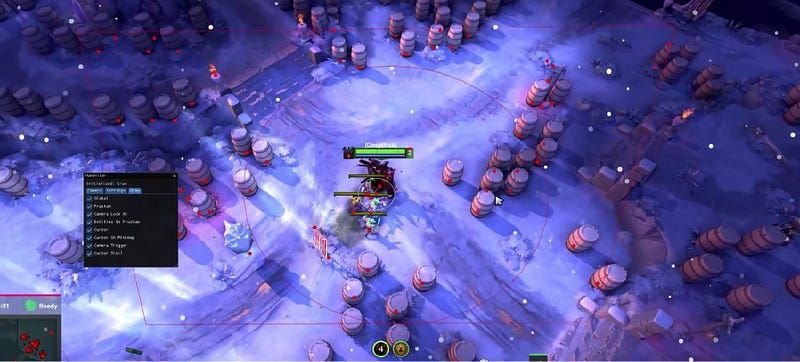
Dota documents settings for custom games and for bots written by the community. A training exercise from the Workshop can let a player drill last hits or keep count of missed ones in a controlled environment. That job has nothing in common with a closed tool that plays for someone in regular matchmaking.
What separates them is the environment. The phrase “Lua script” by itself will not reveal if the code is a bot project with support behind it, an asset for a custom game or third-party automation.
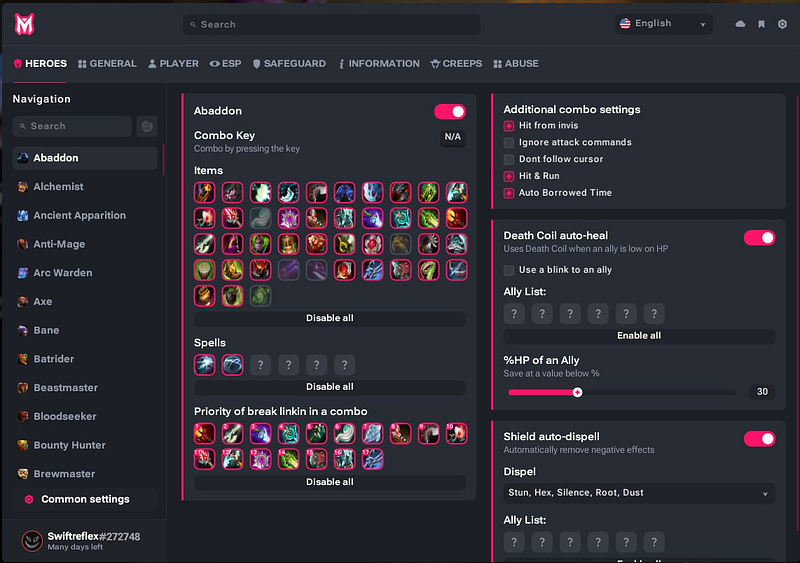
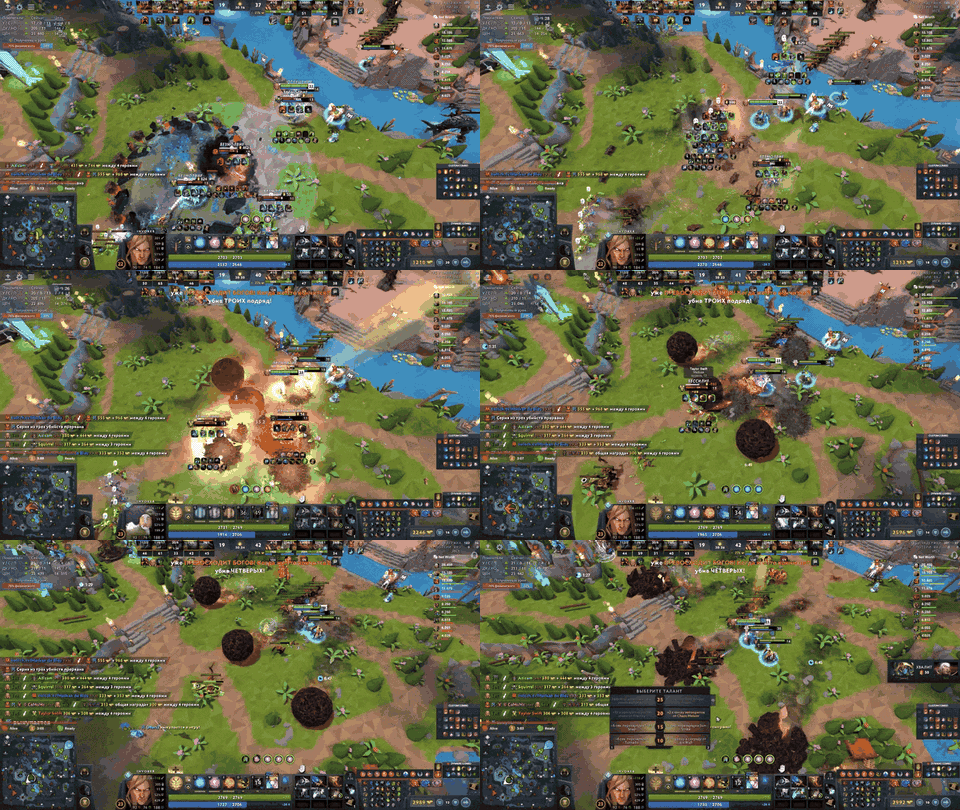
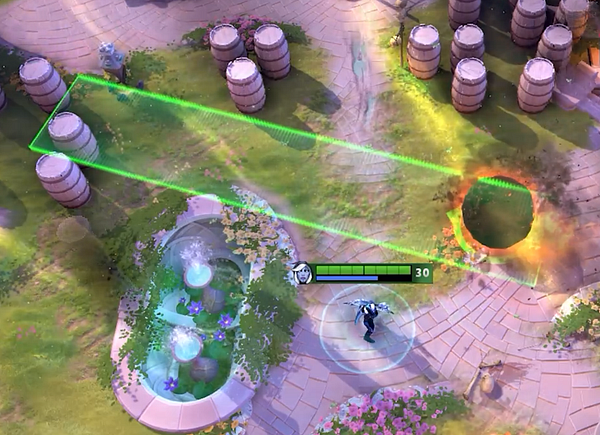
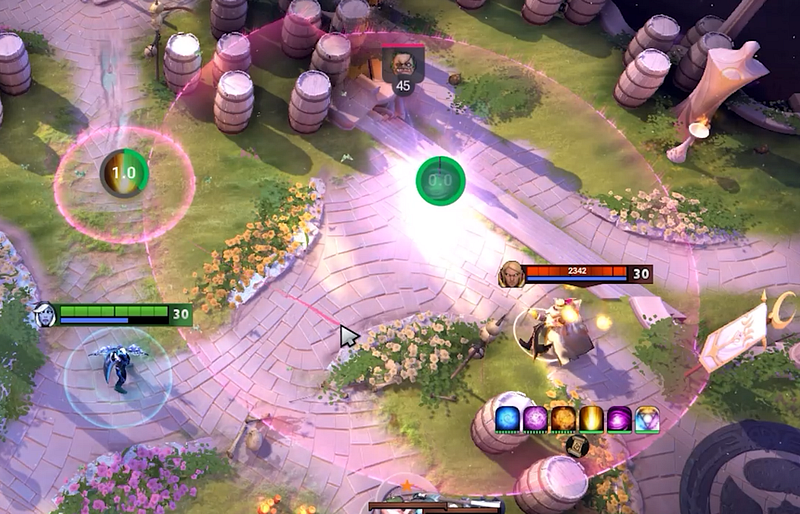
Automating a hero vs replaying an input sequence
When a page blends the terms together, run three checks:
- Trigger: is the tool responding to something visible, to a rule about the game state, or to a timer?
- Input: does it show a reminder, play back a sequence or pick an action?
- Scope: does the behavior apply to a single hero or mode, to a custom lobby, or to regular matchmaking?
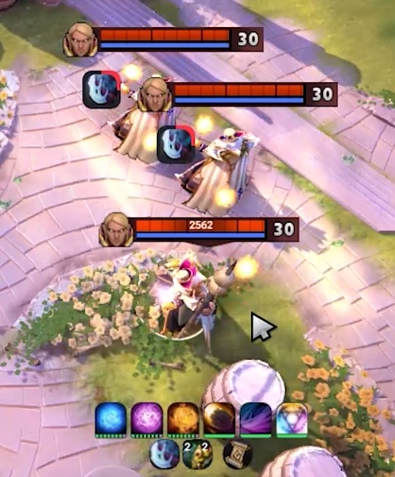
Take an Invoker hotkey: it might be a plain bind the user controls, a macro that never changes, or else a combo module that is game-aware. The words “Invoker script” alone cannot tell you which. A Meepo control profile works the same way: behind it could be a practice routine, a set input chain or a sales claim about automation.
Keeping this split in mind lets you read sales pages without getting swept up in their pitch.
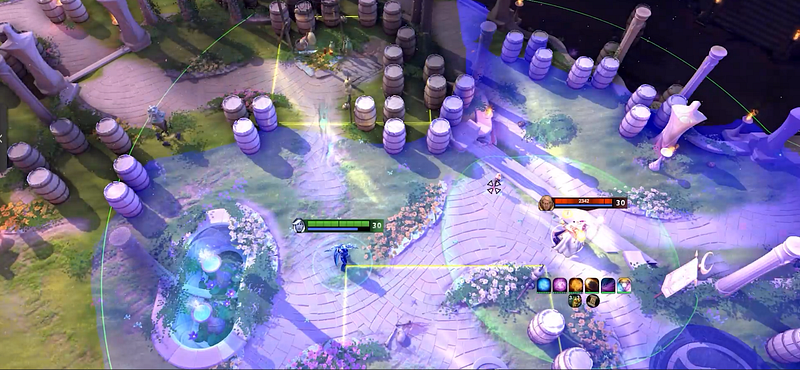
Community bots do another job
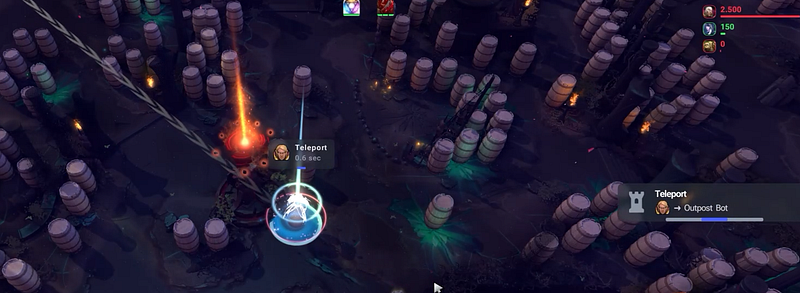
Each officially supported project, be it a custom game or a community bot, begins with a clearly defined sandbox environment. The person who wrote it can describe the API context, the inputs it expects, the test case and the limits on publishing. Older Valve documents cover bot scripting by the community, and a Workshop page can state a training goal. Neither one shows a third-party tool having approval for public matchmaking.
Questions to ask when you look at a bot project:
- What environment does it run inside?
- Which behavior should the project teach or simulate?
- Has anyone confirmed it on the current game version?
- Which part stays under user control, and which part runs on its own?
These questions get you further than calling anything automated a cheat and any Lua file a macro.

Judge the feature, not the name
Ahead of trusting any Dota 2 script page, check that it has:
- a trigger with a name and an action described in plain words;
- a clearly stated environment or mode;
- a dated list of covered heroes;
- exclusions plus known limits;
- update notes linked to Dota changes;
- a support channel that never wants your account credentials.
A page that promises behavior for “all heroes” or calls it “humanized” with no scope, date or testing method has dodged the question readers really care about. Log that claim as unverified.

How Melonity fits in
Publicly, Melonity’s page shows hero scripts plus wider visual and utility groups, which makes it a handy sample of a paid suite, not a definition of what “script” means. Looking at Melonity? Hold the module by name, the build it targets today and the support terms up against the very checklist you would apply to any rival. We disclose this commercial mention; it is no independent test, no claim of permission and no promise of safety.
Internal links
- Dota 2 macros: types, limits and platform checks
- How to write a Dota 2 script with Workshop tools
- Dota 2 lobby commands for private practice
FAQ
Is a Dota 2 script just another word for a macro?
No. Typically a macro plays back an input sequence, whereas a game-aware script can respond to its state. People use both words loosely, so check the real trigger and scope.
What does “Dota 2 bot script” mean?
It may refer to a supported project for community bots in the Workshop or a custom game. That environment has little in common with third-party automation that plays on someone’s behalf in matchmaking.
Does a Lua script count as allowed by default?
No. The language sets neither the environment nor the policy. Look at the project context, the supported API and the mode it targets.
How should I read a feature page for a Dota 2 script?
Look for the trigger and input, the environment, which heroes it covers, when it was last updated, what it excludes and the support terms. Where the page says nothing, mark that point unverified.
Is Melonity the authority on what “script” means?
No. It is just one commercial product using the word for the modules it documents. Run the same classification checklist on it and on rival pages.