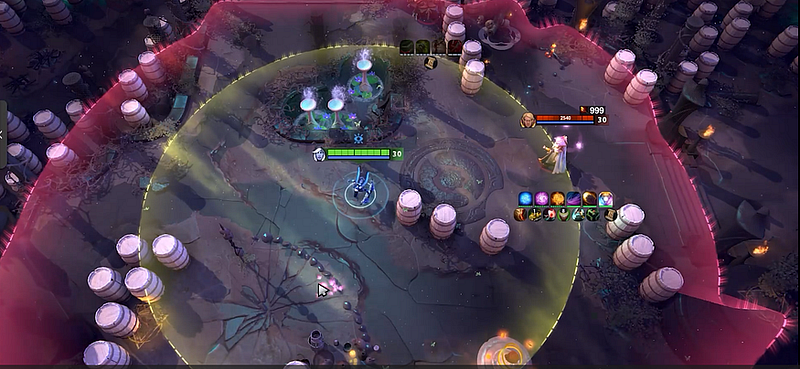
Treat the page for the Melonity Dota 2 cheat as a product listing with a date on it, never as a feature contract that lasts forever. A worthwhile review boils down to a few things: which categories it names and can prove, which setup and access questions stay open, how it documents updates and what the page leaves unproven.
Quick answer: the live public Melonity listing features hero scripts, categories of visuals and a set of utilities, with access bound to an account. Confirm what is in scope and the current terms before you buy; screenshots and talk of “500+ functions” are neither outside testing nor a promise of zero bans.
What the interface hints at
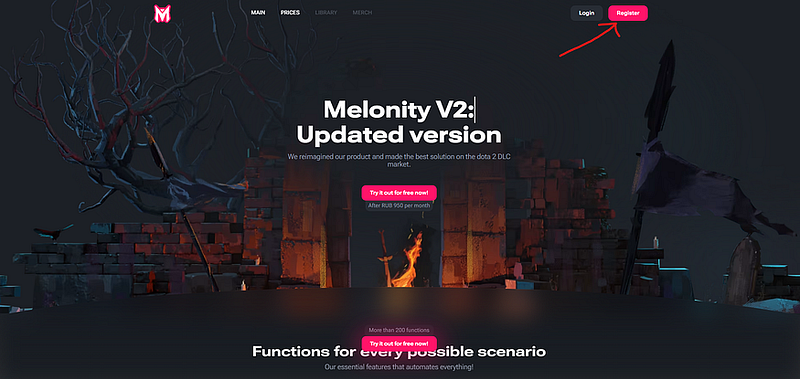
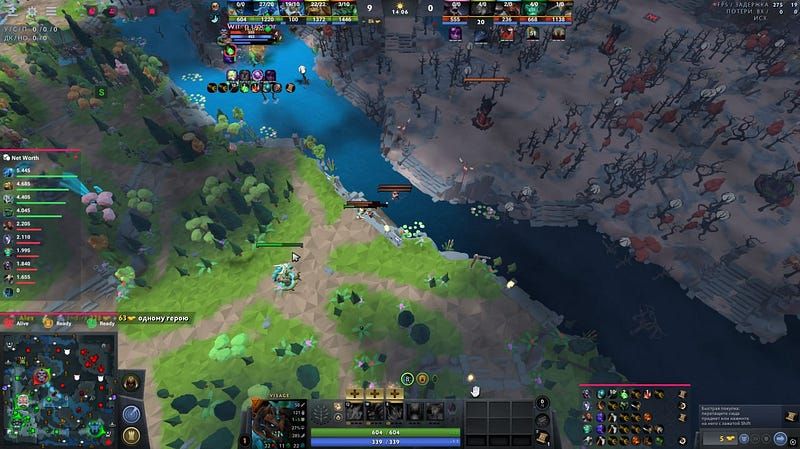
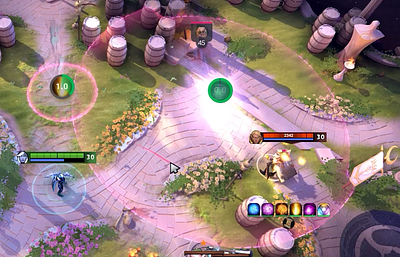
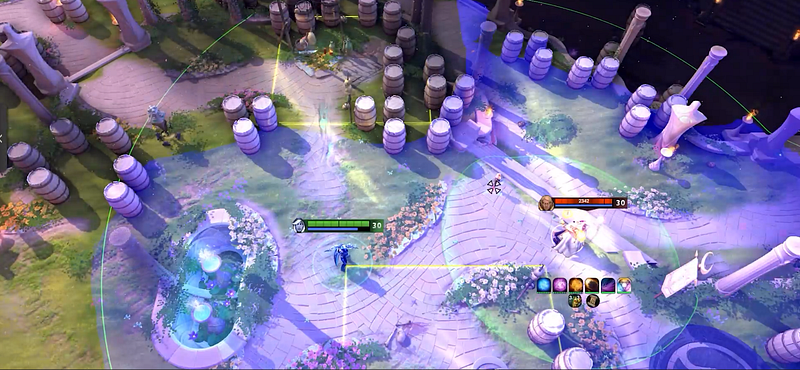
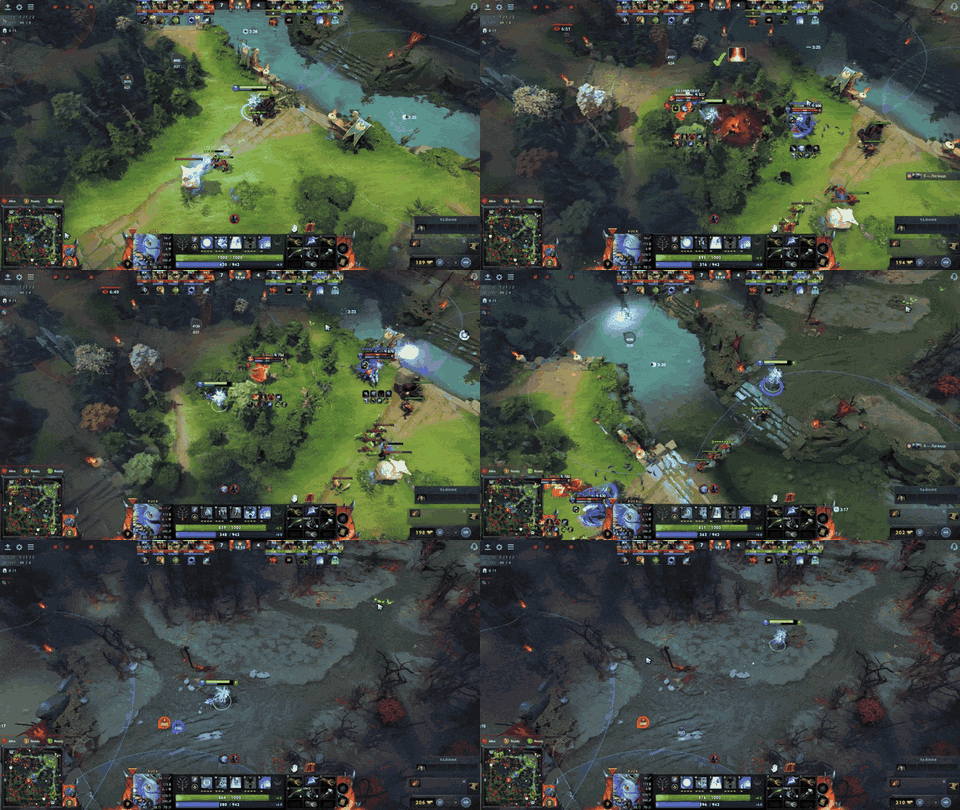
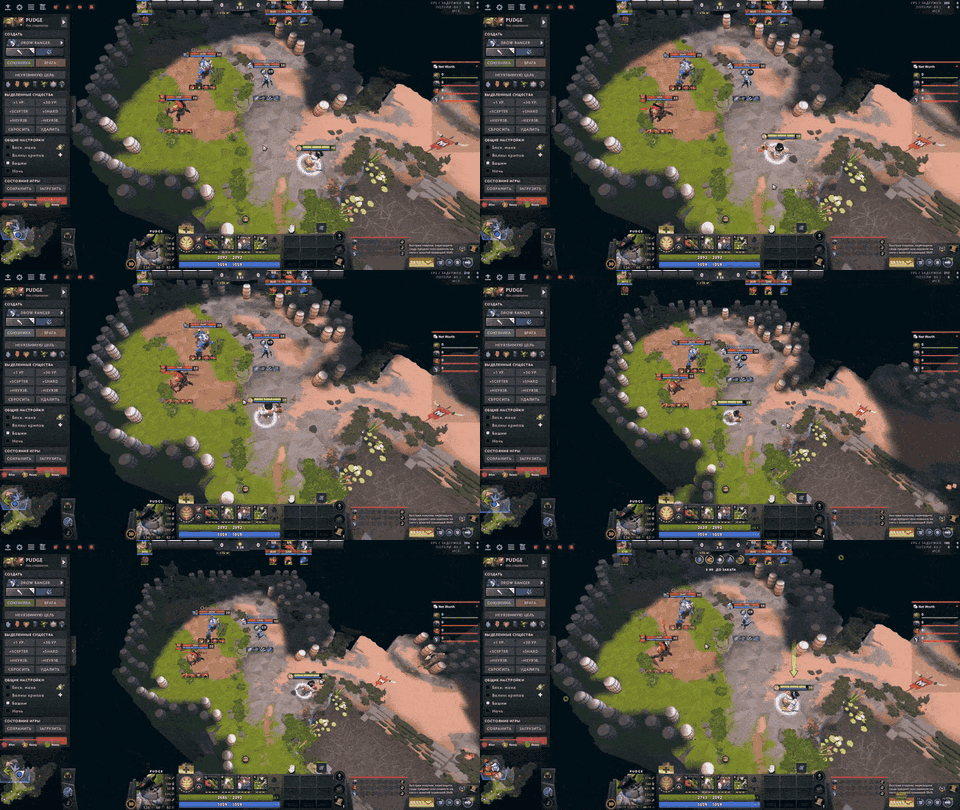
The public listing arranges the product into hero examples, visual info and utility settings. That layout helps, since it shows a buyer how the seller chooses to frame the product. It says nothing about whether each module works on each Dota build.
Scan the page for concrete examples rather than the biggest figure. A named hero, a category and an update note with a date are simpler to check than a blanket “everything included.”
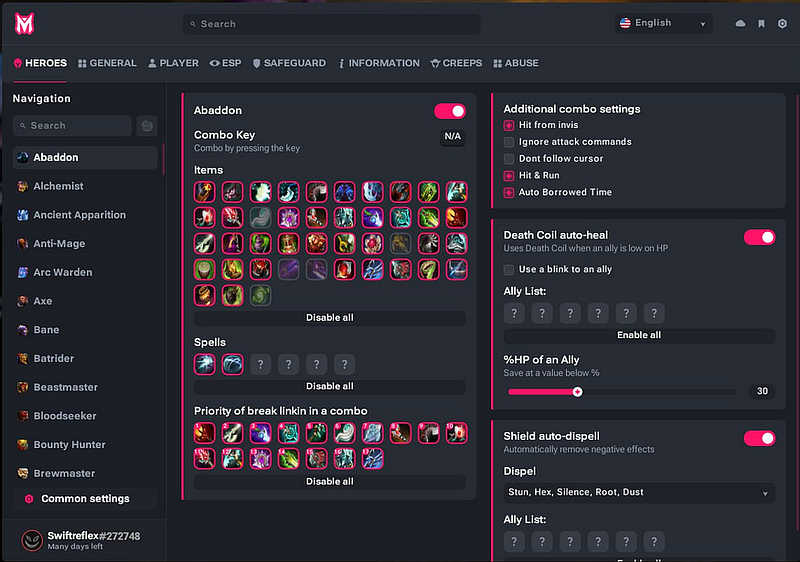
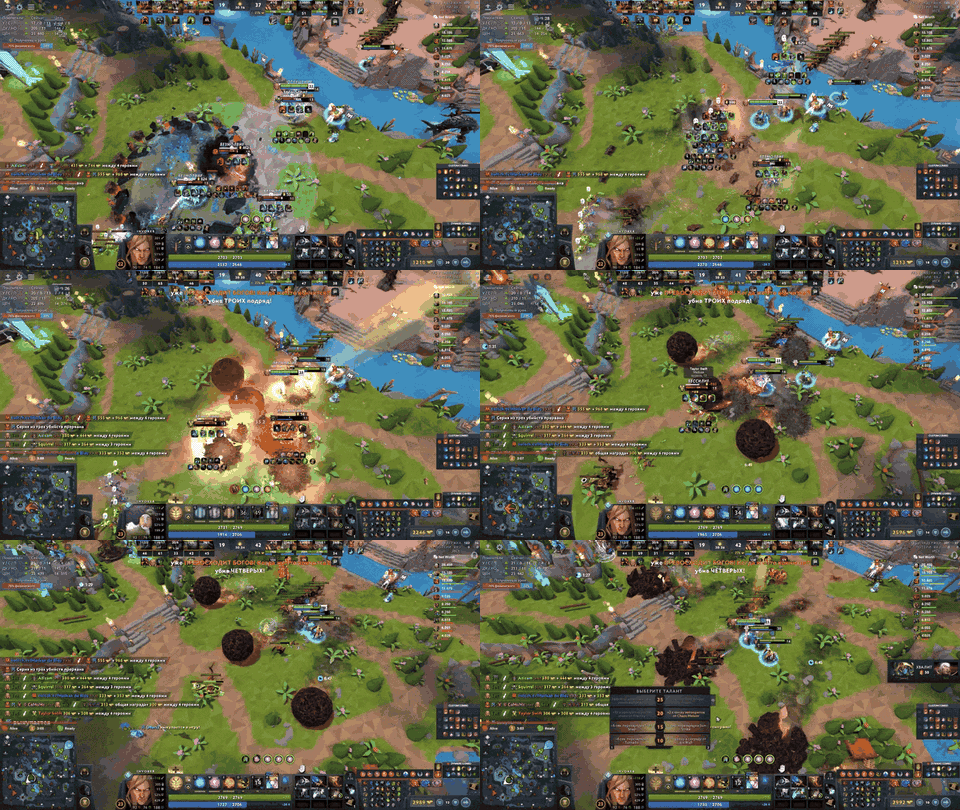
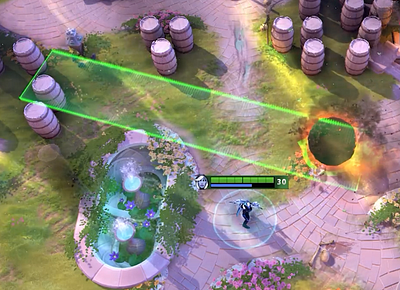
Visual tools and hero scripts
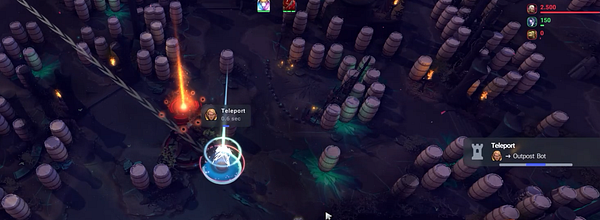
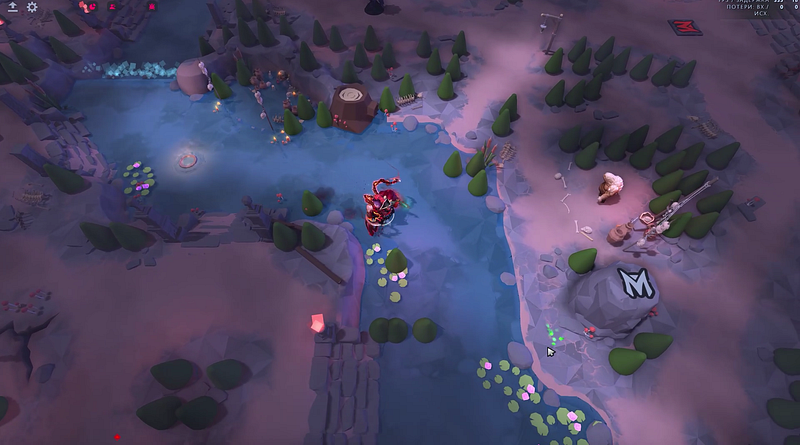
The Melonity page lists modules built around heroes plus categories for visuals and the map. Read every one as a claim with limits:
- the hero or mechanic it names;
- what the module claims to change;
- any listed limitation or exclusion;
- the last time the page got reviewed;
- the place where support confirms compatibility.
Do not turn the seller’s words into a promise about performance.
Questions on setup and access
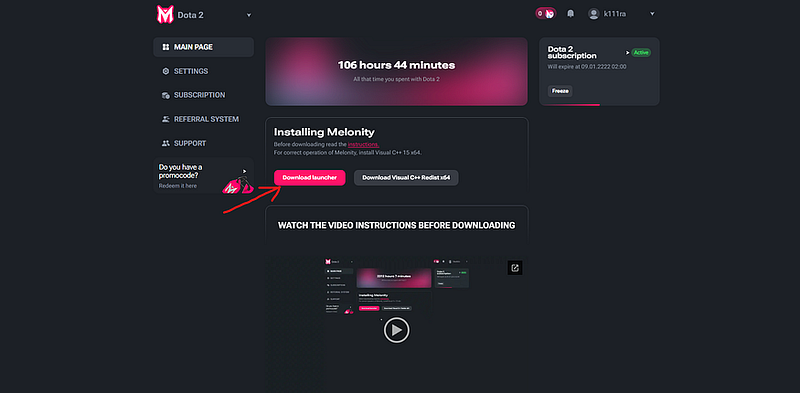
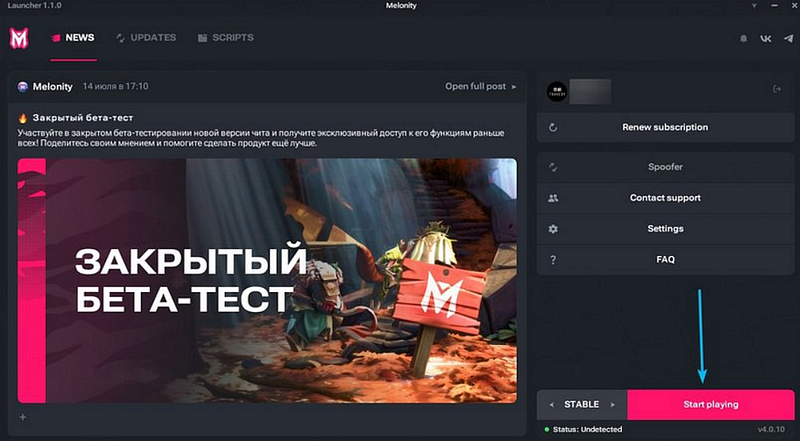
Before you pay, look at the current account flow, how activation works, the plan length, the currency, what the trial includes and the support channel. Never rely on a mirror from search or a file from an account with no tie to the product. Whenever the page changes, trust the live listing over anything else.
Your credentials stay with you. An ordinary product flow never needs your Steam password or recovery code, period. If a step wants unrelated security software disabled, halt and contact support rather than winging it.

Reading status and support
Check for a reference to the current build, notes on updates, any known issues and an obvious channel for reporting an activation that failed. Instant delivery is handy, yet it does not replace a support policy written down.
Find out what happens after a Dota update: is access paused, is a status posted on the page, and how does support deal with a module gone stale? Without an answer, mark the point unresolved.

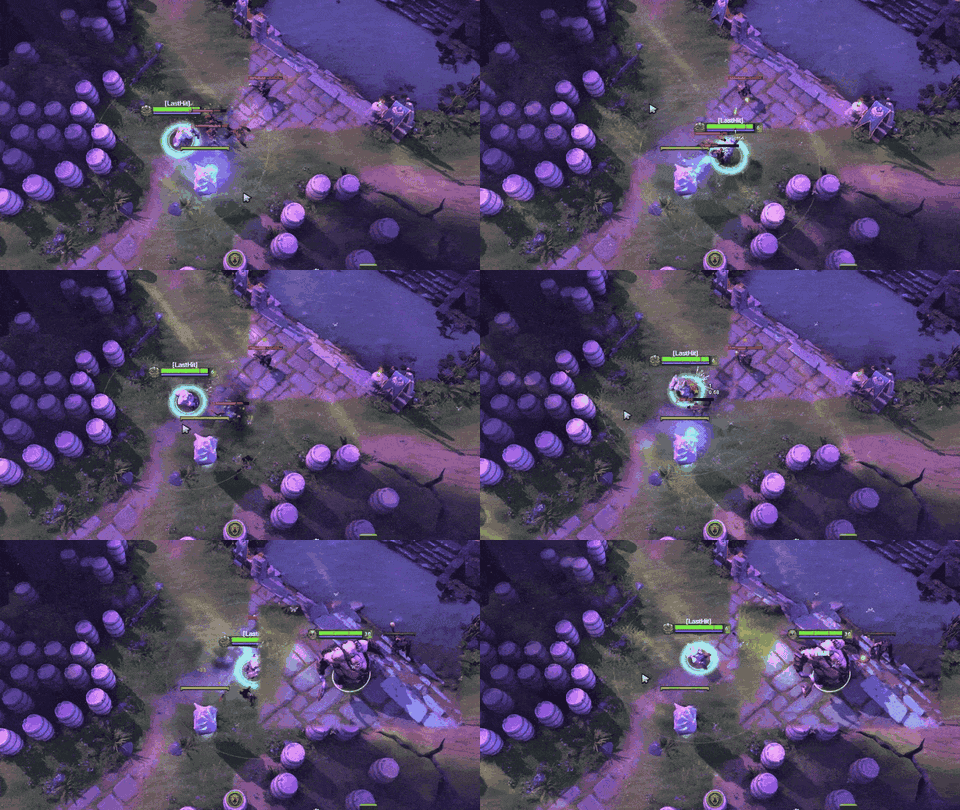
Separate what is proven from what is assumed
All the page can prove is that some category appears in Melonity’s advertising. Present-day performance, coverage of every hero, account safety and how Valve’s systems will act later are all beyond what it can prove. Screenshots capture layout, not a build that is live.
CheatsGaming has a commercial relationship with this product. This article is an editorial guide, not an independent test. A safe account, a lasting “undetected” status or any match result are things we do not promise.
Internal links
FAQ
So what exactly is Melonity in Dota 2?
It is a paid product for Dota 2, and its public page lists utilities, hero scripts and visual categories. Check on the live listing what is covered today.
Can the Melonity page prove that every feature works?
No. It records the vendor’s claims and examples. You still need dated confirmation of today’s compatibility and coverage.
What needs checking before I get access?
Go over the plan, the activation flow, trial terms, the support channel, the update policy and where credentials must never go.
Is CheatsGaming promising my account stays safe?
No. Think of this as a commercial guide with the relationship disclosed, not a safety promise and not an independent test.
Where do I find up-to-date setup info?
Go to the live product page plus the official support channel behind it. Stay away from mirrors and from files that unrelated accounts send.