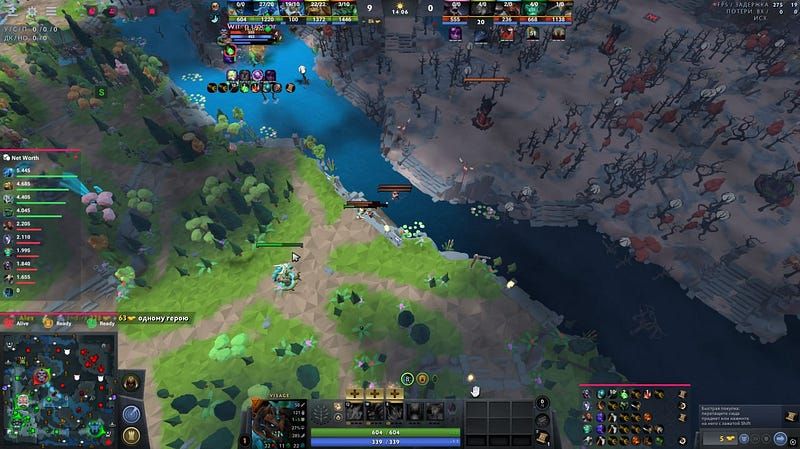
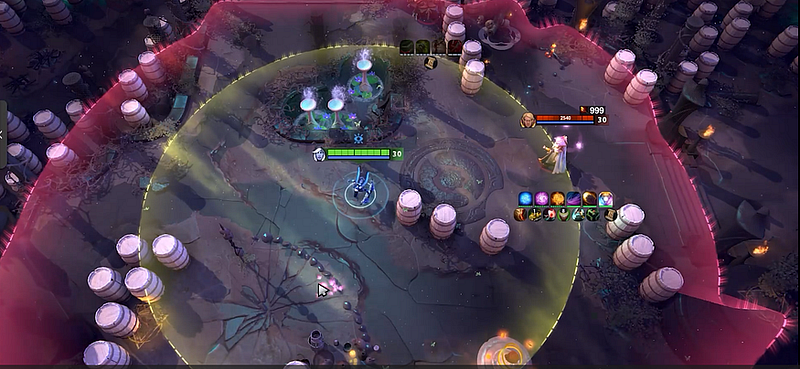
Free Dota 2 scripts deserve tougher scrutiny, not a lighter one. What you download could be a text config, something from the Workshop, a profile of macros, or a sealed executable. Check which artifact it is and which project published it, then look at where it came from, what it wants access to and how you would remove it, all before you open anything.
Quick answer: “free” tells you nothing about trust. Turn down any request for credentials, check that the test has a rollback path, look into the publisher, and keep in mind that the risk to your account and the risk of malware are two different things.
Figure out the artifact
Start by asking what landed on your disk:
- a plain text or config file you can read;
- a package for the supported Workshop or for a custom game;
- a profile for your hardware;
- a launcher, or an executable you cannot look inside;
- an archive bundling a few of these together.
Every artifact calls for its own kind of review and its own path. “Script” is no file format, and the word says nothing about what the package is able to do.
Check who published it and how it was released
You want a domain that has stayed the same, release notes with dates, a clear support contact, and a track record that fits the project it claims to be. A download page built on borrowed screenshots, lacking any version history and running a countdown timer has done nothing to deserve trust.
Ignore any scan badge stuck onto the page. Passing a scan does not show that the game permits the tool, nor that the advertised feature actually works.
Say no to credential and security requests
Walk away the moment a package wants your Steam password, a recovery code, a session token, or asks you to switch off security software unrelated to the package. Looking at a project for cosmetics or practice never requires giving up your account credentials.
When a page tells you to launch an unknown executable with administrator rights, read that as a serious red flag. Account trouble belongs on the official support and recovery path, not with some “fix” packed into a download.
Set up a check that is isolated and can be undone
Back up the original files and write down the package name, the date and any paths it requests. Test one tool at a time, never several together. No removal instructions? Then do not launch it.
With legitimate projects from the Workshop or a custom game, keep to the supported environment. With a third-party executable, keep in mind that a file test you can roll back still leaves the account-policy risk in place.
Your account standing is another matter
A file may be free of malware and still go against what the platform allows. A feature may work one time and then stop being compatible once Dota updates. Keep three separate notes: one on technical security, one on account policy, one on proof of the feature.
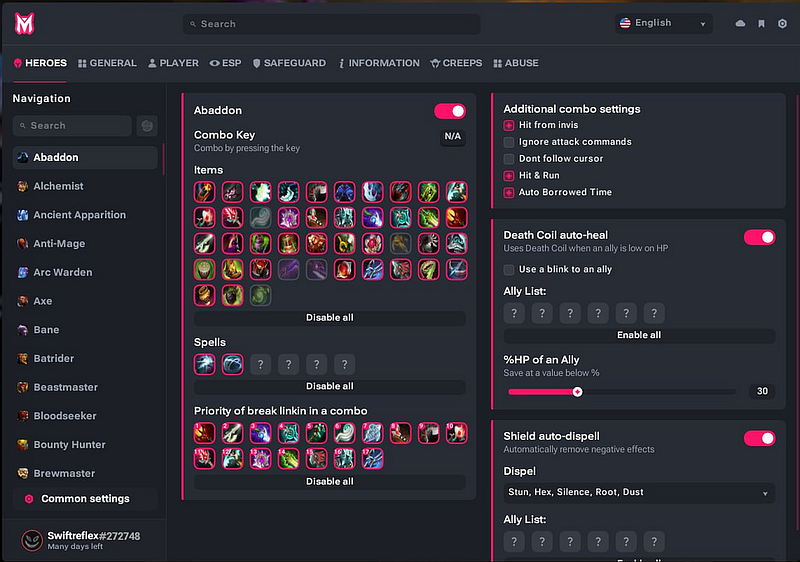
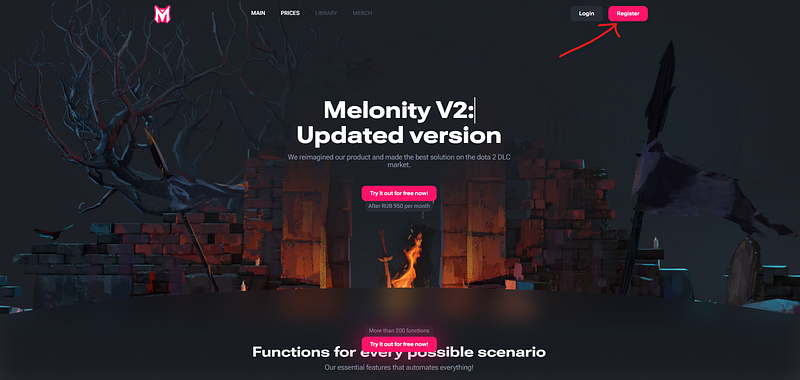
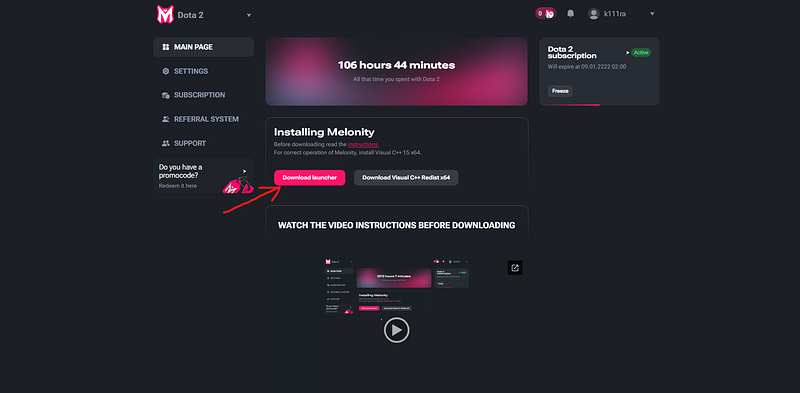
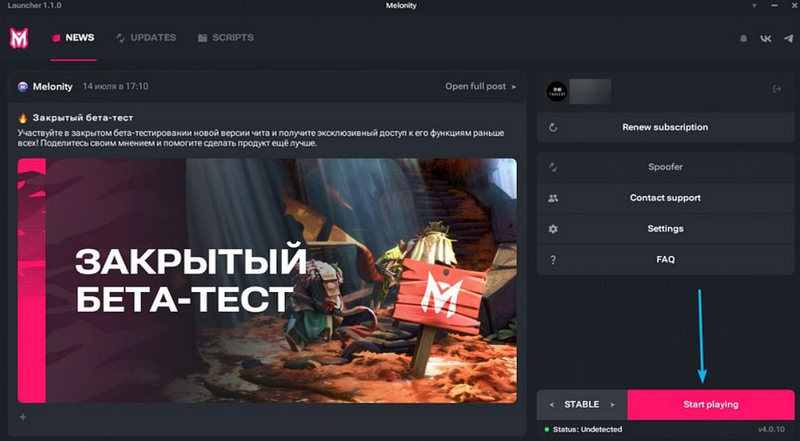
Melonity’s public page lists a product; it is no safety certificate for a free download. When you weigh a paid product against a free file, run the identical checks.
Ten things to ask before you open a download
- Who is the publisher?
- Which file type is it, exactly?
- Which folders, which permissions does it request?
- Can you see release history with dates?
- Is it obvious which environment it supports?
- Is there a way to undo the change?
- Is it after your credentials?
- Is it asking you to turn security tools off?
- What does the game’s official policy state?
- What will the next patch do to it?
Whenever the answer is “unknown,” leave it marked unknown. Being free does not let a file skip due diligence.
Internal links
- Custom Dota 2 skins: Workshop vs local changes
- Dota 2 cheat detection
- Melonity Dota 2 cheat: features and access
FAQ
Can free Dota 2 scripts be trusted?
Never take that for granted. Check the publisher, the artifact, the permissions, any request for credentials, the removal path and what the official policy says.
A download wants my Steam password. Now what?
Stop right there and keep your credentials to yourself. Instead, use the account-security and recovery process run officially by the platform.
Does being readable make a script approved?
No. Being able to read it proves nothing about what the game permits, whether it works on today’s build or how your account fares.
Does a pass from antivirus show that a feature works?
No. A scan answers a single security question; it says nothing about what the feature covers or about platform rules.
What is a rollback plan for?
It gets you back to the original state and helps you pin down the cause when a patch lands or a test fails.