A Dota 2 skin changer is able to change what your client renders while no item ever lands in your Steam inventory. Grasp that one difference and most of the muddle about cosmetic tools, previews and the claim that “everyone can see it” goes away.
Quick answer: split it into three questions: what your screen shows, what your account inventory actually holds and what reaches the client of another player. A change to visuals on your screen proves neither ownership nor trade value, nor that others see it.
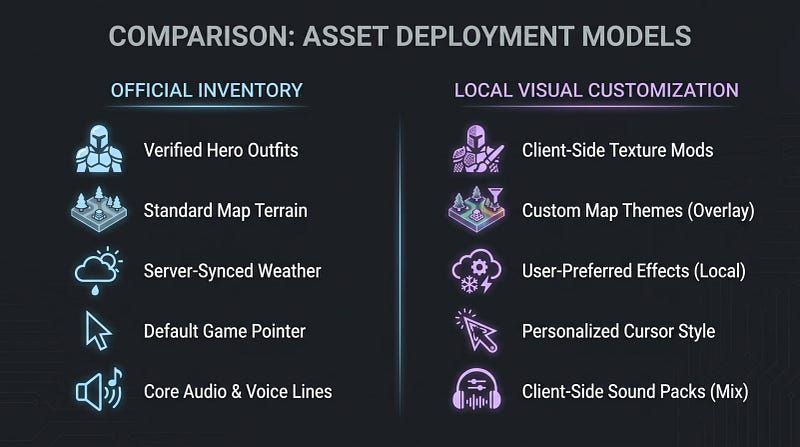
Three cosmetic paths you cannot swap for one another
A person saying “skin” could be talking about:
- an official item tied to the account and listed in its inventory;
- an asset from the Workshop or a custom game, used where Valve supports it;
- an unofficial client-side replacement, which changes how the client renders a cosmetic.
Screenshots of each can look alike. Delivery, ownership and policy differ completely. Name the path first, then judge the tool.
On your screen, what changes?
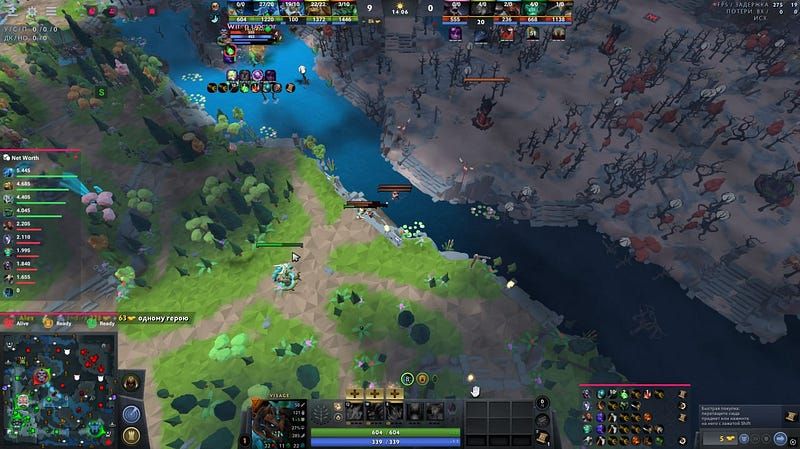
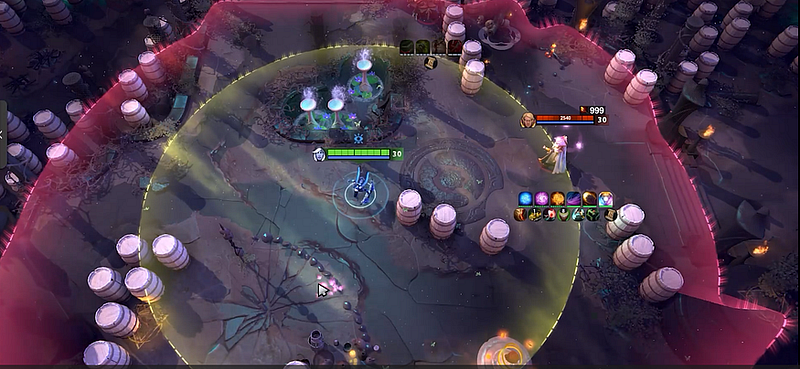
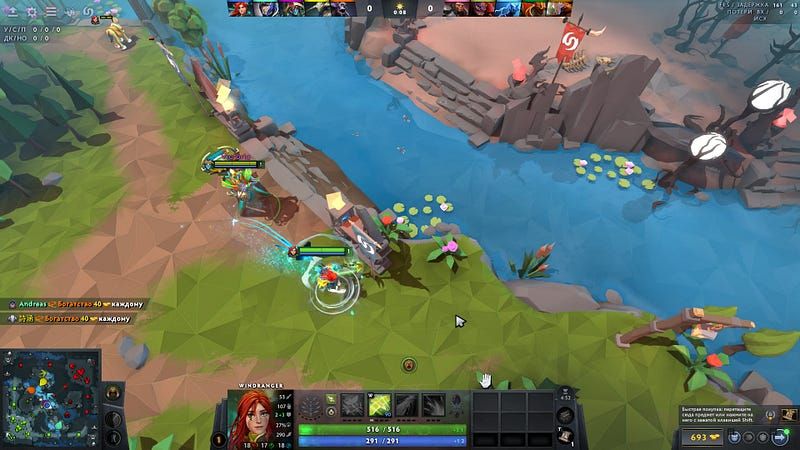
Cosmetic changers are normally described through what they swap on screen: an effect, a hero model, a preview in the Arcana style or part of a loadout. That speaks to your client's render path and says nothing about the account record. When the tool writes no official item into the inventory, Steam is not going to list a fresh purchase just because some model turned up during one match.
Check the product page for specific scope:
- Which heroes and kinds of cosmetics does it name?
- Does it cover particles, sounds and animations, or the base model alone?
- Are previews kept apart from loadout changes that persist?
- Does the library carry a date and get refreshed after patches?
- Is the change removable with no unknown files left on the disk?
Until a page spells out its coverage and its rendering gaps, “all skins” is just marketing shorthand.
Which part stays an inventory matter?
Ownership lives in the account state on the server. Even a change to your game's visuals cannot prove you own an item, that it can be traded or sold on the market, or appears in the Steam inventory. Nor does it produce gift history, receipt or entitlement.
Try a plain wording test:
- Appearance claim: “this model shows up in my client.”
- Inventory claim: “this item belongs to my account.”
- Trade claim: “I can sell or transfer this item.”
Just claims two and three need platform rules and the official account records behind them. A preview screenshot cannot settle either.
What reaches other players?
Who sees what is a separate issue. Other people might get the standard game asset, a cosmetic state the server approved or nothing out of the ordinary. A screenshot from your game says nothing about what a different client rendered. A report from one friend is also just a single data point unless the setup, the match and the exact cosmetic are all known.
Have the provider spell the scope out:
- Is the change visible only in the user’s own client?
- Will it show up in replays or to spectators?
- Is a server response or some shared asset required?
- Has anyone documented the claim for today’s live build?
If you hear “everyone sees it,” ask for whatever backs that up. Confident marketing copy is no reason to pass the line on as fact.
Reading the listing of a Dota 2 skin changer
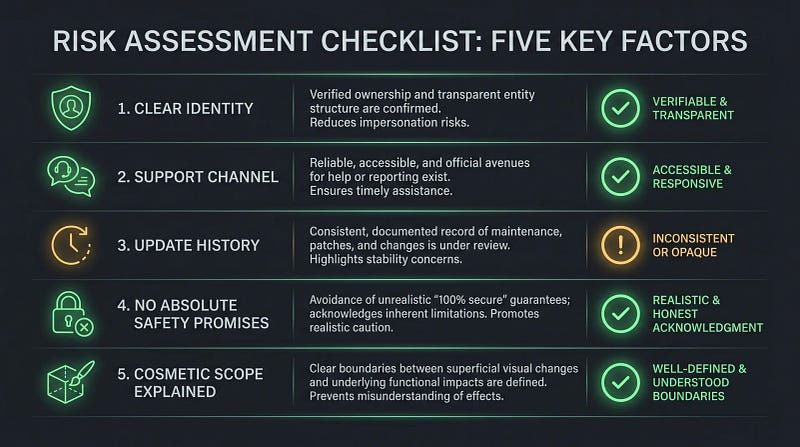
Judging quality gets easier once a page shows the dull specifics:
- who the publisher is and where files come from;
- the kind of file and the permissions it wants;
- which paths change and how to roll back;
- a compatibility date plus patch notes;
- a support channel and removal instructions;
- plain wording about account policy.
Skip downloads that want Steam credentials, conceal who publishes them or come bundled with unrelated executables. Labelled cosmetic or not, the claim leaves technical or account risk in place, and it does not turn an unofficial modification into an official item.

How Melonity fits in
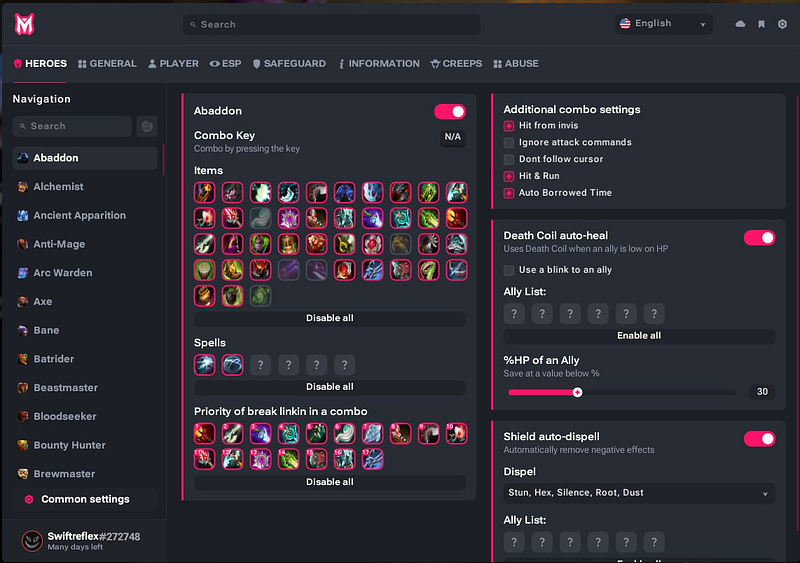
On Melonity’s public page, visuals sit as categories beside utilities and scripts. That shows how the vendor pitches its product; that claim proves neither inventory ownership nor that everyone can see the visuals. Weighing Melonity as a cosmetic choice? Look at the live listing for today’s cosmetic scope, the supported build, the removal steps, while treating official Steam inventory facts as a separate topic. Read this as a commercial disclosure, not as an independent test or guarantee.
A fast audit of claims
For any Dota 2 skin changer, note three lines down ahead of installing anything:
- On-screen appearance: what is supposed to change on my screen?
- Account state: what, if anything, should show up in my inventory?
- Shared visibility: what proof says a different client can see it?
A page that covers only line one might still be describing everything it sells. Trouble begins once a cosmetic preview gets marketed as ownership or as proof that others see it.
Internal links
- How to install custom Dota 2 skins safely
- Dota 2 skin changer tools: quality checks
- Dota 2 cheats and scripts explained
FAQ
Will a Dota 2 skin changer give me a real item?
No. Changing visuals on your screen gives you no ownership, no Steam inventory entry, nothing tradable and no record of purchase.
Do other players see what a cosmetic changer shows?
Never take it for granted. It comes down to the render path and the proof supporting the claim. Any screenshot from your game only shows what that single client rendered.
Is Workshop content identical to unofficial client-side replacements?
No. Custom-game and Workshop content is delivered and supported in a different context than an unofficial modification on the client side.
Does a cosmetic-only claim make a tool safe by default?
No. That claim states intent; it is silent on account policy or how the tool behaves technically. Look at the source, the permissions, how updates are handled and the rollback path.
What should I find out before I use a Dota 2 skin changer?
Find out what changes on your machine, what becomes of inventory data, who sees the result, which build it supports and how the change gets undone.