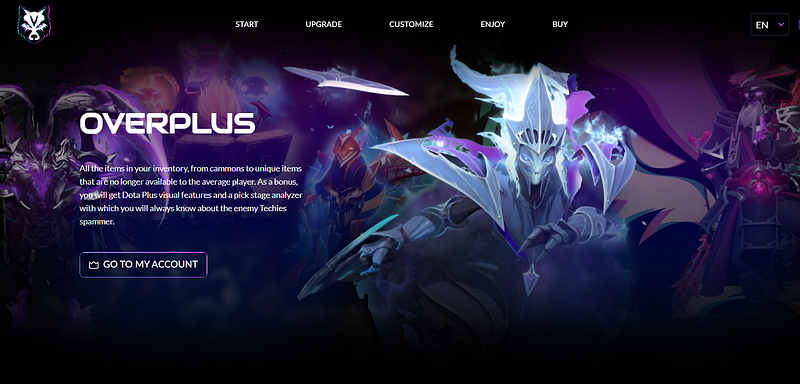
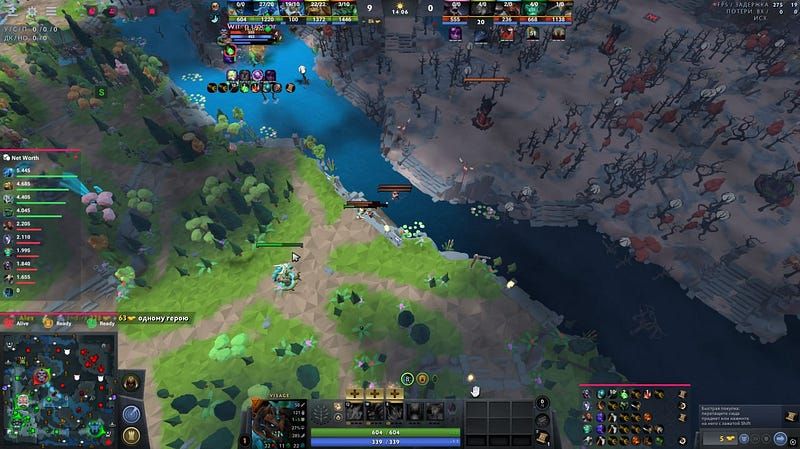
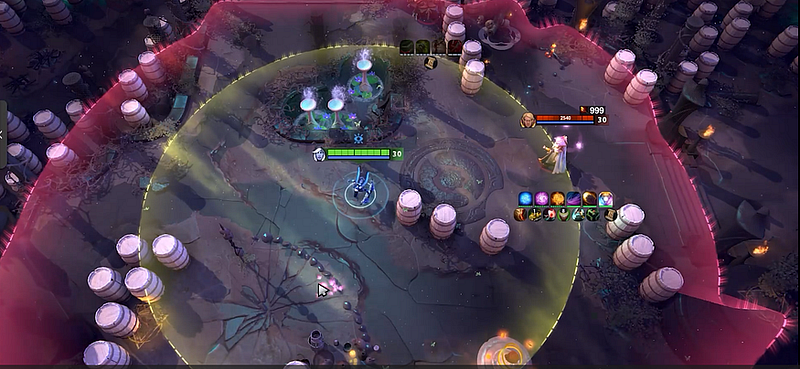
The best Dota 2 skin changer is rarely the one shouting “all cosmetics” in its headline. What matters is a tool you can genuinely assess: present scope, how previews behave, how updates are handled, the rollback path, and what the account policy says.
Quick answer: compare cosmetic libraries, what shows up only on the local client, the accuracy of previews, patch handling and the way changes get undone. Treat official inventory ownership as a separate matter from anything displayed locally.
First, the three cosmetic paths
Compare equivalent things:
- official items the account already owns;
- content from the Workshop or custom games, used where supported;
- local replacements that are unofficial.
A local changer may look entirely convincing while having no link at all to Steam inventory ownership. Pick your path first, then compare products.
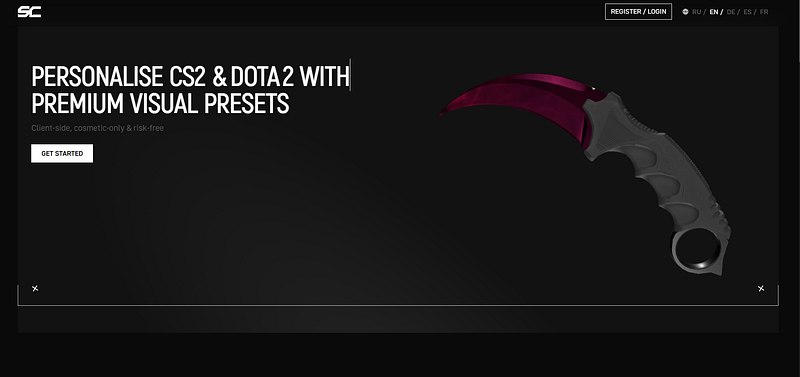
Look at the library, not only the hero banner
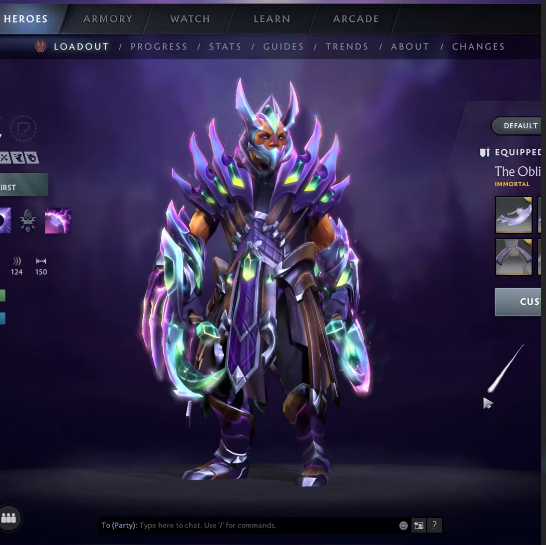
Ask which heroes are covered, plus which effects, animations and cosmetic types. A glossy cover picture does not make a library. Keep a note of the listed items along with the date of the page's last update.
See if the product tells an Arcana preview apart from a full effect set and if it says which items it cannot handle. A smaller dated catalogue earns more trust than an open-ended count.
Compatibility claims expire
Each Dota patch may change files, materials or the way things render. A helpful product page names the build it supports and offers update notes or a support note. Older videos still show the interface, yet they cannot confirm the current client produces the same picture.
Installing and removing must be reversible
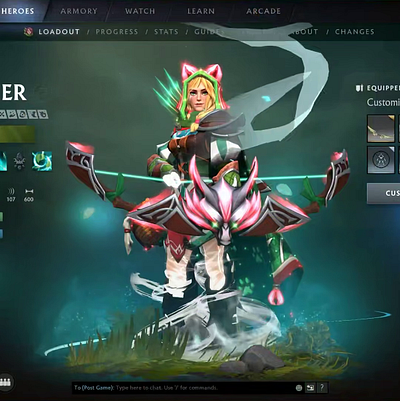
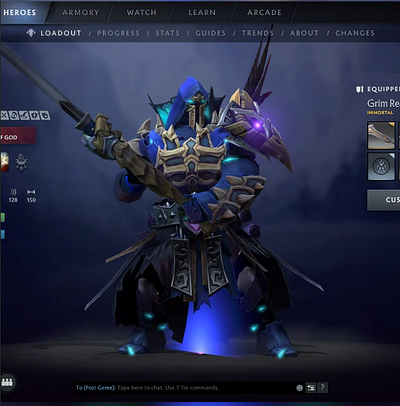
Ahead of any local change, save copies of the original files and note their paths. Go through the removal steps before you apply the package. A provider unable to say what gets changed and how to undo it does not belong on the shortlist.
The decision includes account policy
“Cosmetic-only” names the result someone intends. It says nothing about which files change, which permissions get requested or how platform rules view the modification. A feature label is no grounds for trusting an account-safety guarantee.
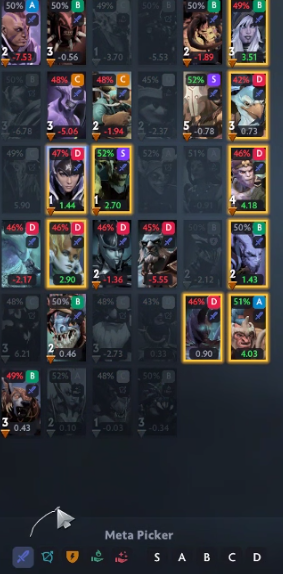
Quick checklist for comparison
Give a product points only where its page backs them up:
- named cosmetic scope;
- an explanation of what is local and what others see;
- a date for the latest update or supported build;
- backup and rollback path;
- a known publisher plus a working support contact;
- no request for credentials or unrelated security access.
Fields the page skips stay empty. An empty field means you should contact support, not fill in a guess.
How Melonity fits in
Melonity’s page lists visual categories next to wider modules. Run its present cosmetic wording and update proof through the same comparison list you use for every rival. Treat this as a disclosed commercial mention rather than an independent ranking or any safety pledge.
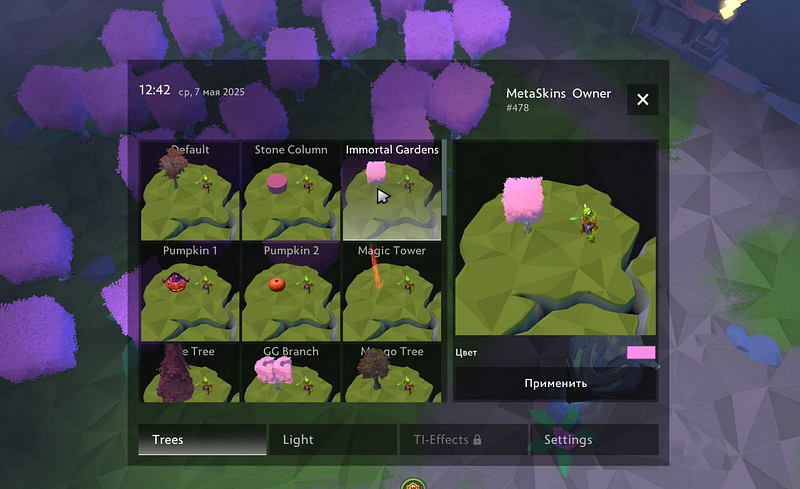
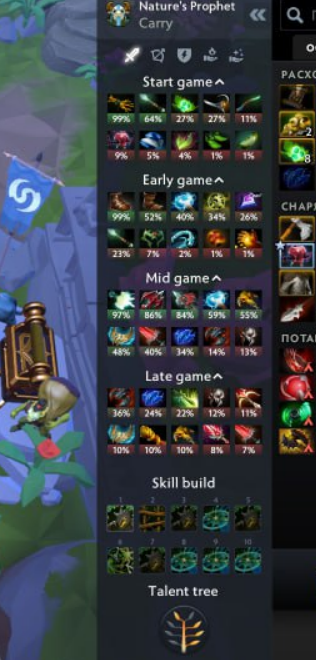
Internal links
- Dota 2 skin changer vs real items
- Custom Dota 2 skins: Workshop vs local changes
- Melonity Dota 2 cheat review
FAQ
Which Dota 2 skin changer deserves to be compared?
One with named cosmetic scope, fresh evidence of updates, plain statements about visibility, steps to roll back and an open publisher.
Does a preview give you inventory ownership of the item?
No. A local preview on your own client gives you no official item, no trade value and no entry in the Steam inventory.
Does a skin changer need a removal path?
Yes. Before you run it, find out what it alters and the path back to untouched files.
Is the biggest feature list automatically the winner?
No. Specific evidence with a date beats an open-ended number.
Does CheatsGaming name one tool as best for good?
No. Scope and compatibility of products change, so any comparison remains dated and conditional.